1
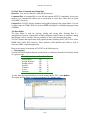
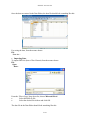
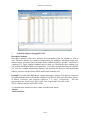
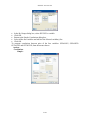
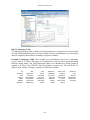
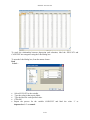
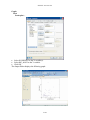
SYSTAT: An Overview II. Workspace has the following tabs Output Organizer: The Output Organizer tab helps primarily to navigate through the results of your statistical analysis. You can quickly navigate to specific portions of output without having to use the Output Editor scrollbars. Examples: The Examples tab enables you to run the examples given in the user manual with just a click of mouse. The SYSTAT examples tree consists of folders corresponding to different volumes of user manual and nodes. You can also add your own example. Dynamic Explorer: The Dynamic Explorer can be used to rotate 3-D graphs, apply power transformations to values on one or more axes, and change the confidence intervals, ellipses, and kernels in scatter plots. By default, the Dynamic Explorer appears automatically when the Graph Editor tab is active. III. Commandspace has the following tabs Interactive: In the Interactive tab, you can enter commands at the command prompt (>) and issue them by pressing the Enter key. Untitled: The Untitled tab enables you to run the commands in the batch mode. You can open, edit, submit and save SYSTAT command file (.syc or .cmd) Log: In the Log tab, you can view the record of the commands issued during the SYSTAT session (through Dialog or in the Interactive mode). By default the tabs of Commandspace are arranged in the following order. Interactive Log Untitled You can cycle through the three tabs using the following keyboard shortcuts: CTRL+ALT+TAB. Shifts focus one tab to the right. CTRL+ALT+SHIFT+TAB. Shifts focus one tab to the left. I-135