1
HOW TO USE THE MANUAL
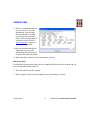
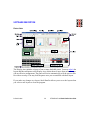
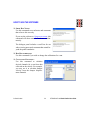
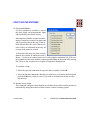
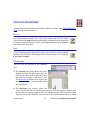
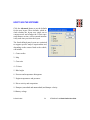
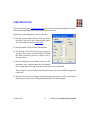
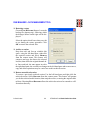
Adobe® Acrobat® includes a powerful facility to find specific words in the
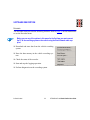
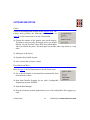
text. Click the FIND button and then enter the word that you need to find. The
software will then display the first occurrence of that word after the current
location. Hold the [Ctrl] key and press [G] to find the next and subsequent occurrences of the search word.
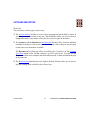
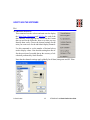
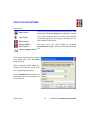
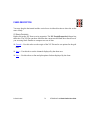
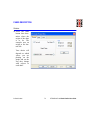
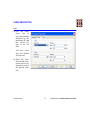
You may print part or all of the manual if you wish. To do this, choose FILE>PRINT from
the Acrobat® menu bar.
© Stack Limited
3
ST542050-007 draft Stack DataPro User Guide