1
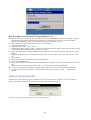
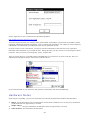
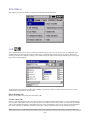
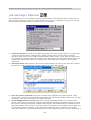
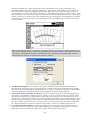
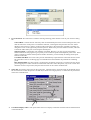
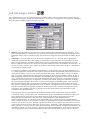
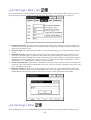
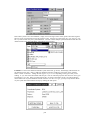
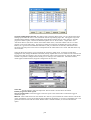
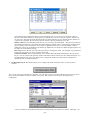
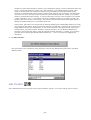
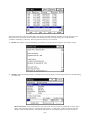
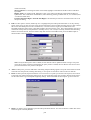
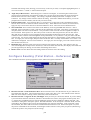
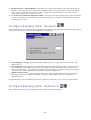
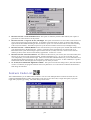
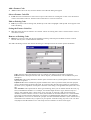
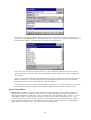
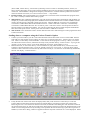
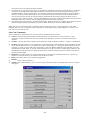
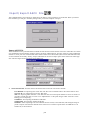
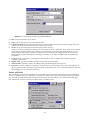
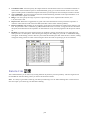
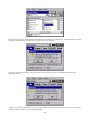
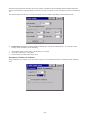
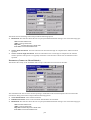
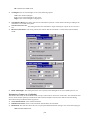
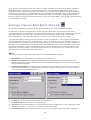
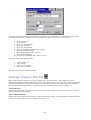
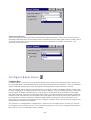
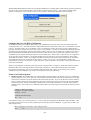
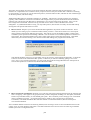
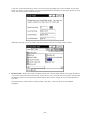
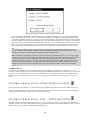
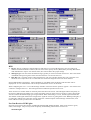
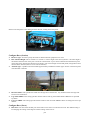
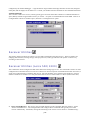
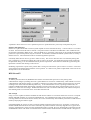
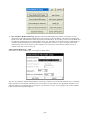
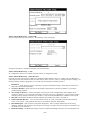
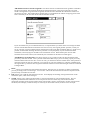
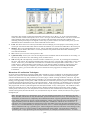
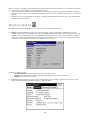
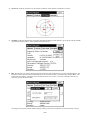
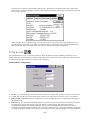
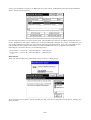
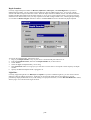
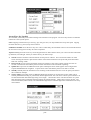
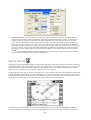
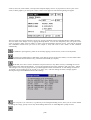
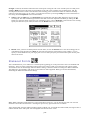
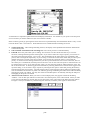
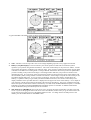
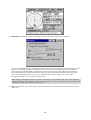
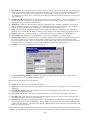
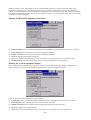
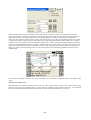
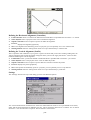
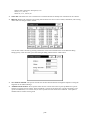
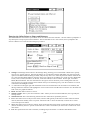
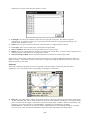
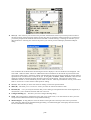
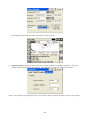
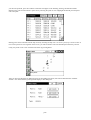
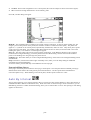
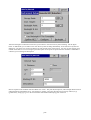
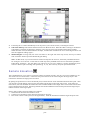
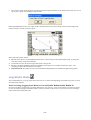
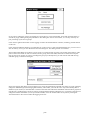
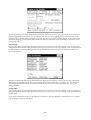
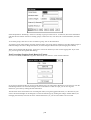
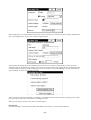
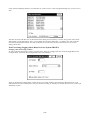
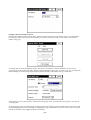
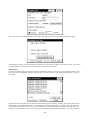
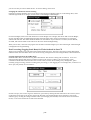
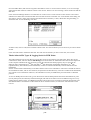
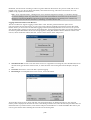
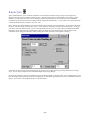
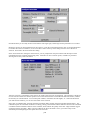
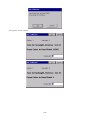
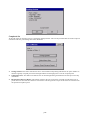
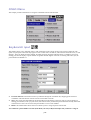
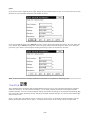
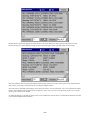
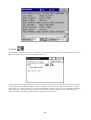
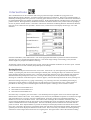
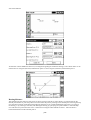
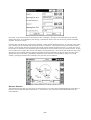
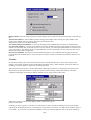
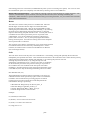
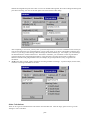
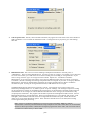
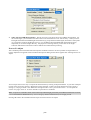
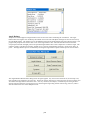
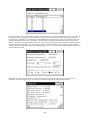
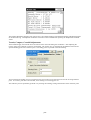
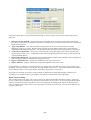
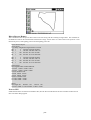
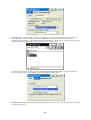
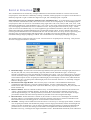
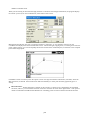
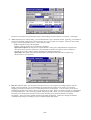
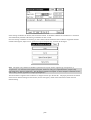
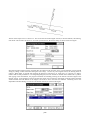
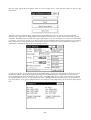
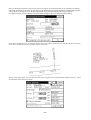
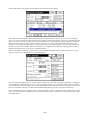
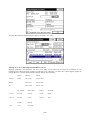
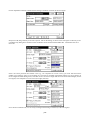
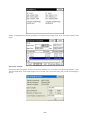
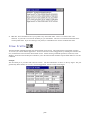
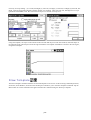
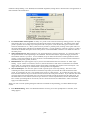
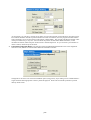
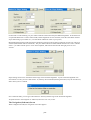
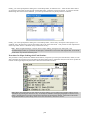
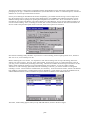
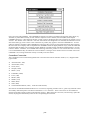
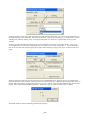
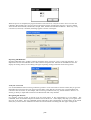
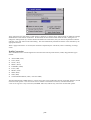
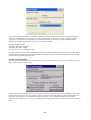
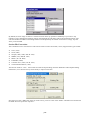
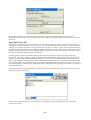
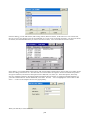
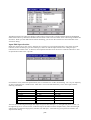
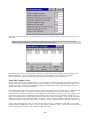
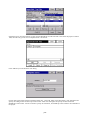
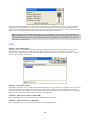
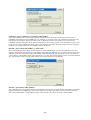
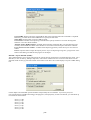
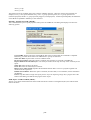
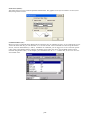
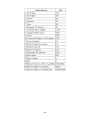
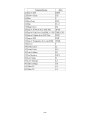
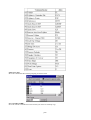
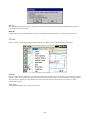
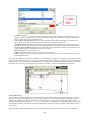
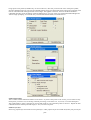
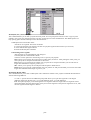
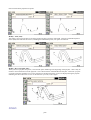
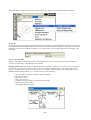
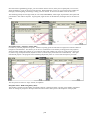
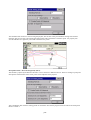
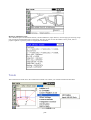
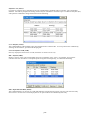
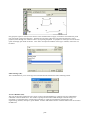
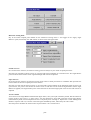
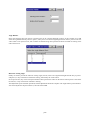
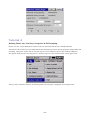
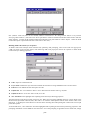
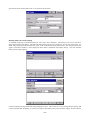
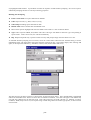
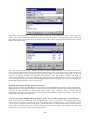
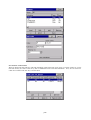
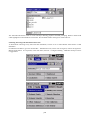
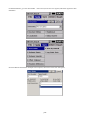
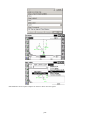
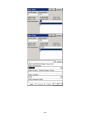
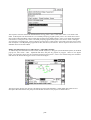
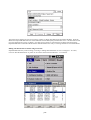
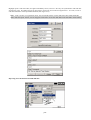
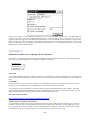
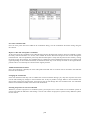
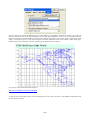
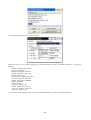
example of a typical stake description, based on your configuration settings, is shown at the bottom left of the screen. The first line (STK1317 CB#22 CUT 2.100) represents a typical Stake Point description, where CB#22 is the description you would enter, and the rest is governed by your Stake Description settings. Similarly, if centerline-based stakeout is being conducted, then the lower line would apply. The description (CL in this case) is the only aspect entered by the user in the field during stakeout. All the rest is reported based on your Stake Description settings. If you turn off an item, note how it will not appear in the reported “sample” description. The “+” in the station can also be configured to appear or not appear, but this is set globally within the Units Tab of Job Settings. The behavior of the On/Off, Up/Down and Update buttons is identical to that discussed above in the Cutsheet discussion. Other routines, particularly Cross Section Survey and Slope Staking (part of the Roading features), have their own settings for descriptions. When any automatic description for stakeout is turned on, the program will no longer default to the last-entered description: it will use the “automatic” description instead. If you type a new description, you will turn off the “automatic” stakeout description. If you delete the default (new) description, the program will return to using the automatic stakeout description. To delete, you can simply place the cursor in the description field and hit the delete key — there is no need to first highlight the description. Set Offset Stk Desc: This option allows users to define the preset description values for the defined offset points used in the Offset Stakeout routine. List Points This command will list all of the points in the current coordinate (.crd) file. You can also edit any point in the list. p44