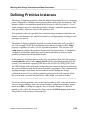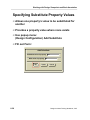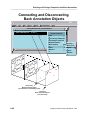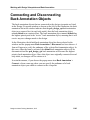
1
Working with Design Viewpoints and Back Annotation
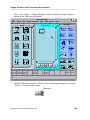
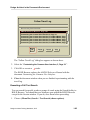
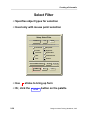
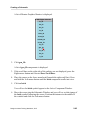
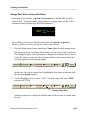
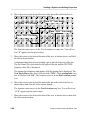
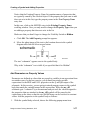
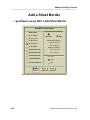
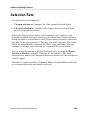
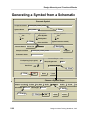
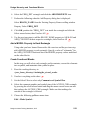
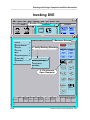
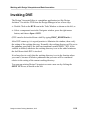
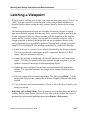
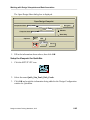
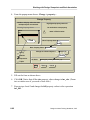
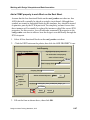
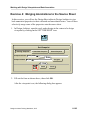
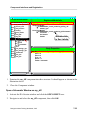
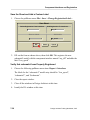
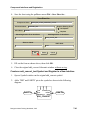
1. Activate the card_reader root Schematic Window, then from the popup menu
choose: Select > By Property...
Select By Property
Property Type
Property Name model
String
Number
Property Value inv
Regular Exp
Select:
Other Types
Instances
Monitor_Flag
Group
Bus
Design_Viewpoint
Design_Configuration
Back_Annotation
Nets
Pins
OK
Reset
Cancel
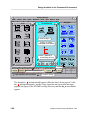
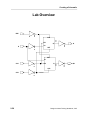
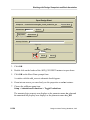
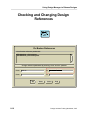
2. Fill out the form as shown above, then click OK. Notice that the inverter
instances on every sheet in the design are selected.
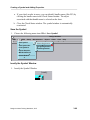
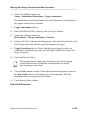
3. From the popup menu, choose: Select > Connected > Pins. The inv instance
pins as well as the inv instance bodies are now selected.
Design Architect Training Workbook, V8.5
6-91