1
The Agent Awareness subsystem (AGAW)
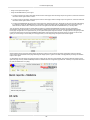
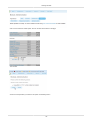
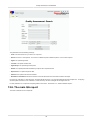
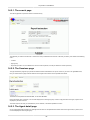
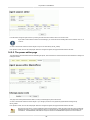
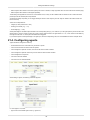
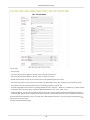
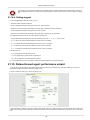
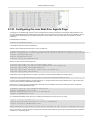
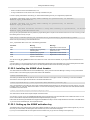
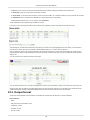
You should enter the following information:
• Server URL: http://myserver:8080/queuemetrics/qm_agaw_facade_ajax.do (take from the Licence page)
• Username: the agent code (or leave blank)
• Password: the agent’s QM password (or leave blank)
11.5. Installing with Chrome
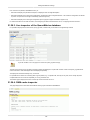
AGAW can be installed in Chrome by browsing the Licence page of QueueMetrics and clicking on the "Chrome" link.
It is also possible to send the link via e-mail to other Chrome users that share the same QueueMetrics instance.
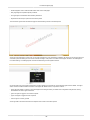
On older versions of Chrome, it is enough to click on the link to have the extension installed. On versions 21 and higher, the user must:
• Download the extension (agaw4chrome.crx) to their PC
• Click the wrench icon on the browser toolbar.
• Select "Tools" > "Extensions".
• Drag the file just downloaded onto the Extensions page.
• You will need to authorize the newly installed extension after reviewing its security settings
This will add the QM icon at the top right-hand corner of your browser page (next to the Chrome settings icon).
130