1
Using the Security System
4.9. Remote Management (Remote Management)
The Remote Management tab contains the interfaces to further
programs and tools, which allow you to remotely administer the
security system and the private networks.
4.9.1.
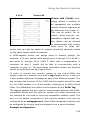
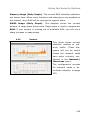
Report Manager (RM)
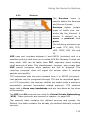
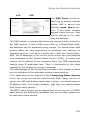
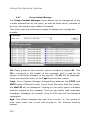
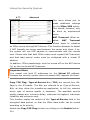
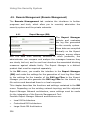
The Report Manager
collects and evaluates
the log files generated
on the security system.
Since data are compiled
centrally on the Report
Manager, among others
also the data from security solutions of other producers, the
administrator can compare and analyze the messages because they
are clearly laid out, and he can thus introduce the associated blocking
measures against attacks fastly. The Report Manager is a distinct
product that must be acquired separately.
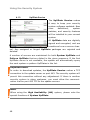
In the RM menu, you enable the interface to the Report Manager
(RM) and make the settings for the generation of local log files: Next
to the settings for the transfer of the RM Log Files to the Report
Manager you can also generate the RM Log Files for the historic log
file archive and download them to a local computer.
This chapter describes the functions and settings contained in the RM
menu. Depending on the existing network topology and the adjusted
Report Manager Network architecture, some settings must be made
for the integration of the Remote Management Tool.
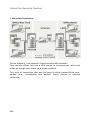
Possible Report Manager Network architectures are:
•
Local RM Architecture
•
Centralized RM Architecture
•
Large-Scale RM Architecture
326