1
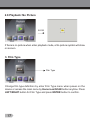
2.8 Playback: No Picture
ENTER
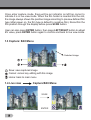
If there is no picture when enter playback mode, a No picture symbol will show
on screen.
3. Film Type
Film Type
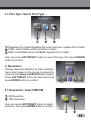
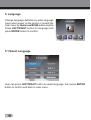
Change film type definition by enter Film Type menu when power on the
device or access the main menu by Home icon/SCAN button anytime. Press
LEFT/RIGHT button for Film Type and press ENTER button to confirm.