1
D.2 DVR/ NVR/ HYBRID DVR PLAYBACK
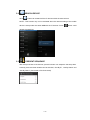
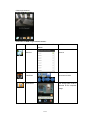
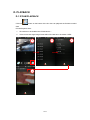
Firstly, click the single channel while connecting to the DVR. Among the live view of the
single channel,
and
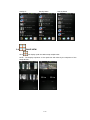
are “Time Search” and “Event Search” playback
buttons. After select the specified time point or event item, the live view will switch to the
playback view.
1.
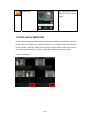
TIME SEARCH
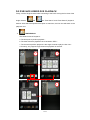
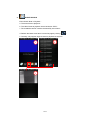
Time Search Note in Playback:
a. The time point to perform playback;
b. The video format to playback has to be Motion-JPEG;
c. The channel to perform playback is the single channel to play the live view.;
d. Currently, only support single channel to playback at one time.
1
2
3
4
13/14