1
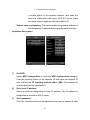
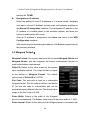
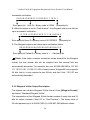
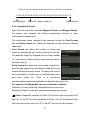
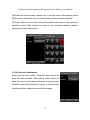
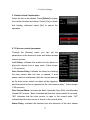
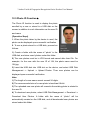
6. System Settings 3. Delete Unlock Combination Select the line to be deleted. Press [Delete] to popup the confirm interface as follows. Select [Yes] to delete this holiday, otherwise select [No] to cancel the operation 6.7.5 Access control parameter Through the [Access] menu, you can set the parameters of the electronic locks and related access control devices. Lock Delay: Indicates the duration for the device to place the electric lock in open state. (Value scope: 110 seconds) Door Sensor Delay: Indicates the delay for checking the door sensor after the door is opened. If door sensor state is inconsistent with the normal state set by the door sensor switch, an alarm will be triggered, and this period of time is regarded as the “door sensor delay”. (Value scope: 199 seconds) Door Sensor Mode: Includes the None, Normally Open (NO), and Normally Closed (NC) modes. “None” indicates that the door sensor switch is not used. “NO” indicates that the door sensor is open in the normal state. “NC” indicates that the door sensor is closed in the normal state. Alarm Delay: Indicates the duration from the detection of the door sensor 73