1
CubeSuite+ V2.02.00
APPENDIX A WINDOW REFERENCE
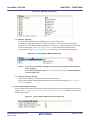
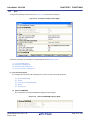
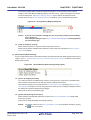
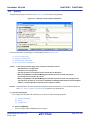
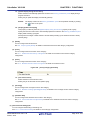
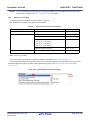
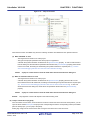
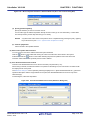
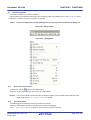
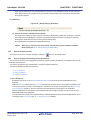
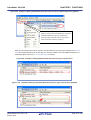
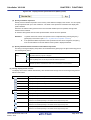
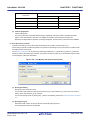
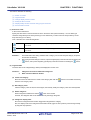
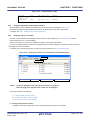
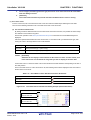
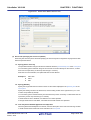
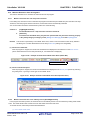
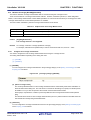
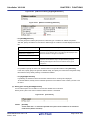
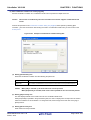
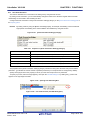
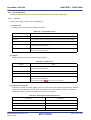
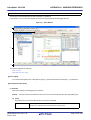
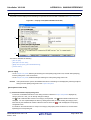
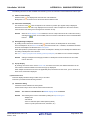
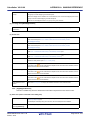
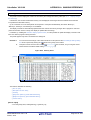
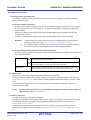
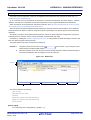
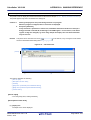
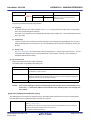
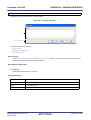
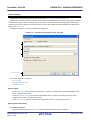
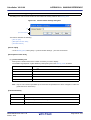
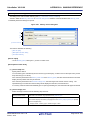
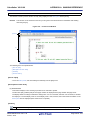
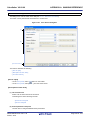
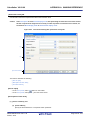
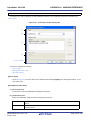
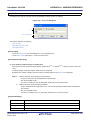
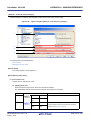
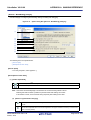
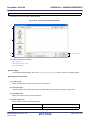
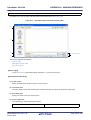
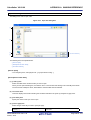
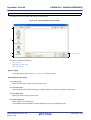
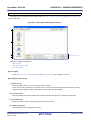
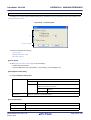
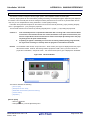
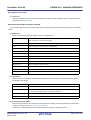
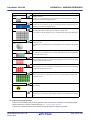
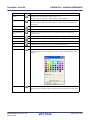
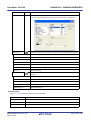
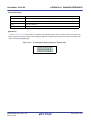
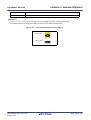
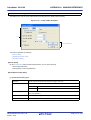
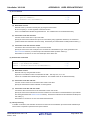
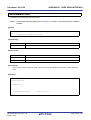
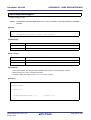
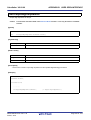
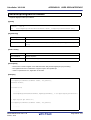
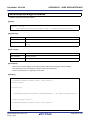
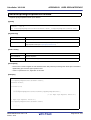
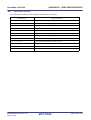
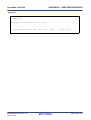
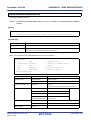
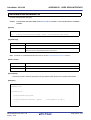
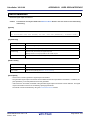
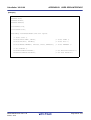
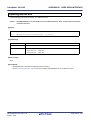
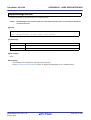
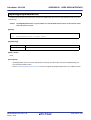
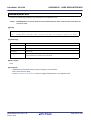
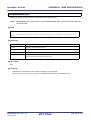
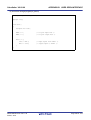
Address Offset Settings dialog box
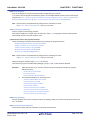
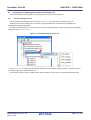
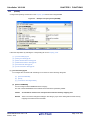
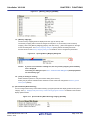
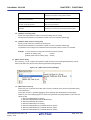
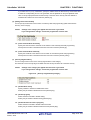
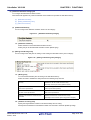
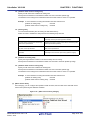
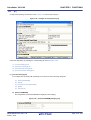
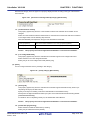
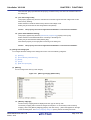
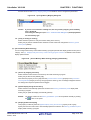
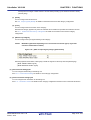
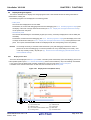
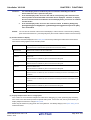
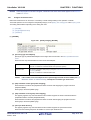
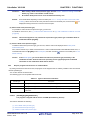
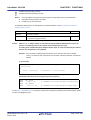
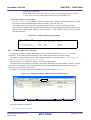
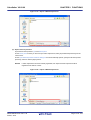
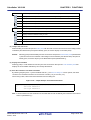
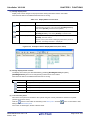
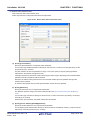
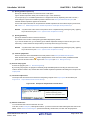
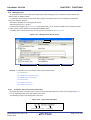
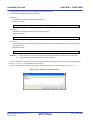
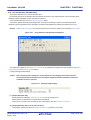
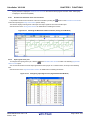
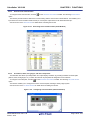
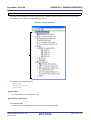
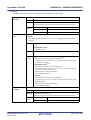
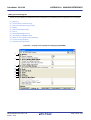
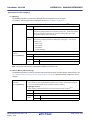
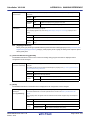
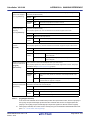
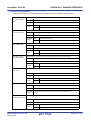
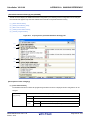
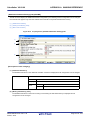
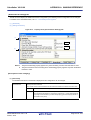
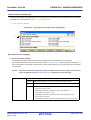
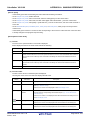
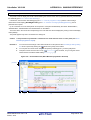
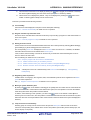
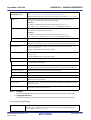
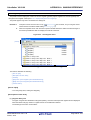
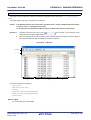
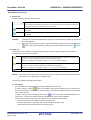
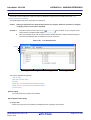
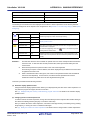
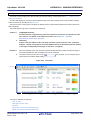
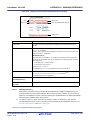
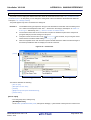
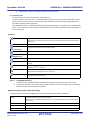
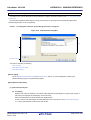
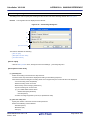
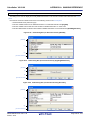
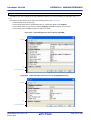
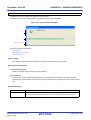
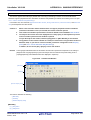
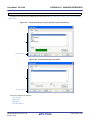
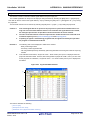
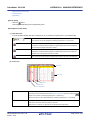
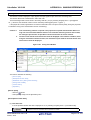
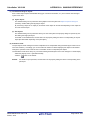
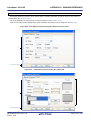
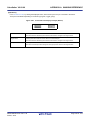
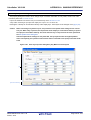
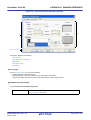
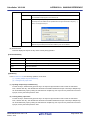
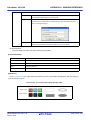
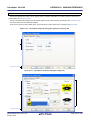
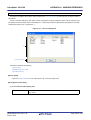
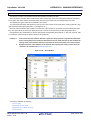
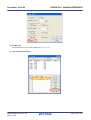
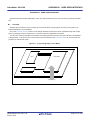
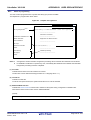
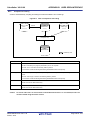
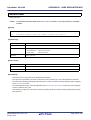
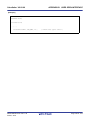
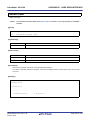
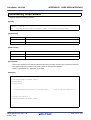
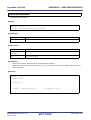
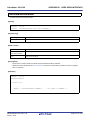
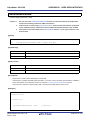
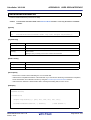
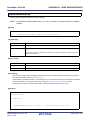
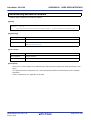
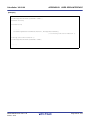
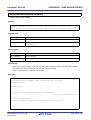
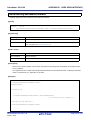
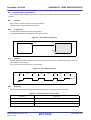
This dialog box is used to set an offset value of the start address in the address area on the Memory panel.
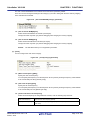
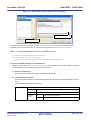
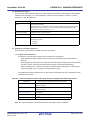
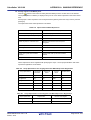
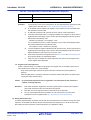
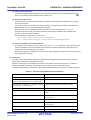
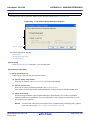
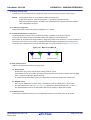
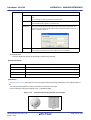
Figure A-47. Address Offset Settings Dialog Box
(1)
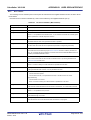
[Function buttons]
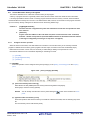
This section describes the following.
- [How to open]
- [Description of each area]
- [Function buttons]
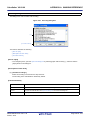
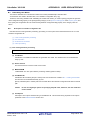
[How to open]
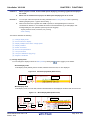
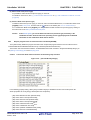
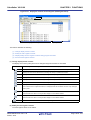
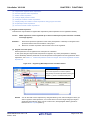
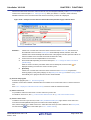
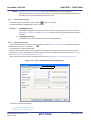
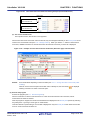
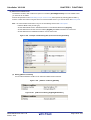
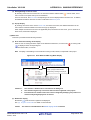
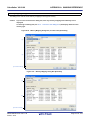
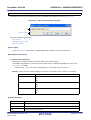
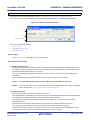
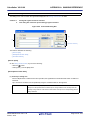
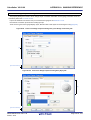
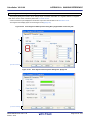
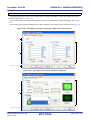
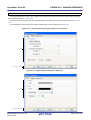
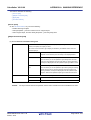
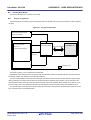
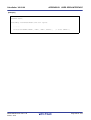
- On the Memory panel, select [View] >> [Address Offset Value Settings...] from the context menu.
[Description of each area]
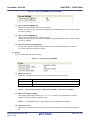
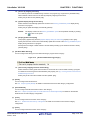
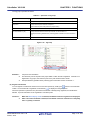
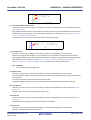
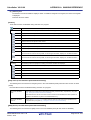
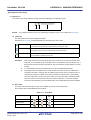
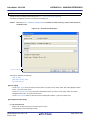
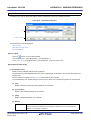
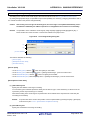
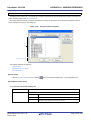
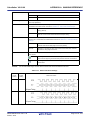
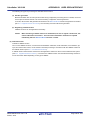
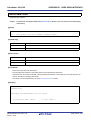
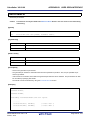
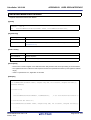
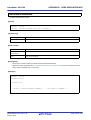
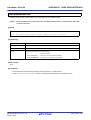
(1) [Address Offset Value] area
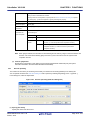
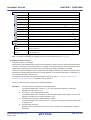
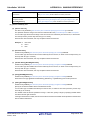
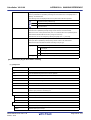
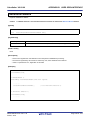
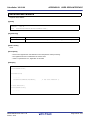
Directly enter a hexadecimal value as an offset value for the address display.
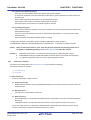
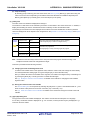
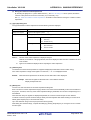
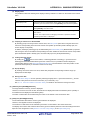
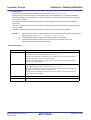
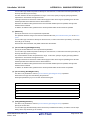
The settable range depends on the number of bytes of the memory currently being displayed in a line on the
Memory panel, as follows:
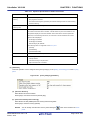
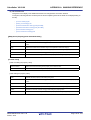
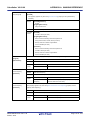
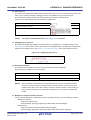
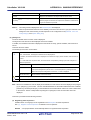
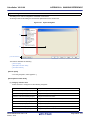
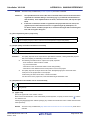
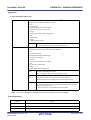
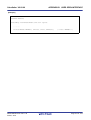
- Settable range:
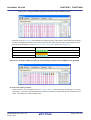
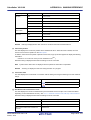
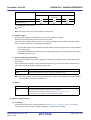
0x0 - ("Set value of [Size Notation]" x "The number of view columns") -1
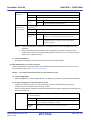
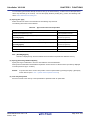
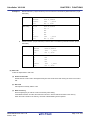
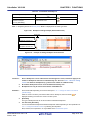
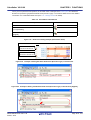
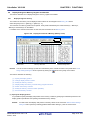
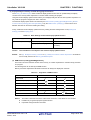
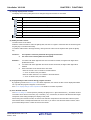
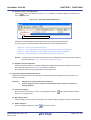
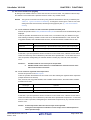
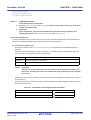
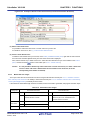
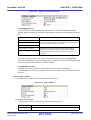
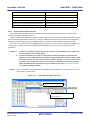
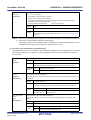
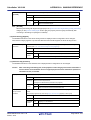
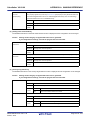
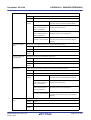
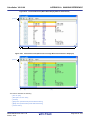
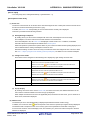
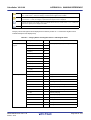
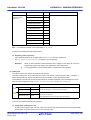
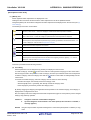
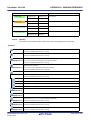
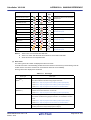
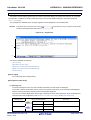
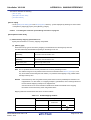
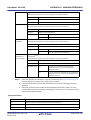
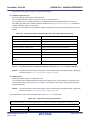
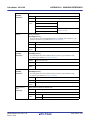
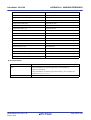
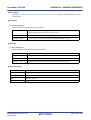
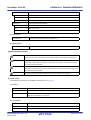
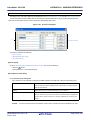
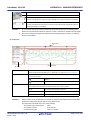
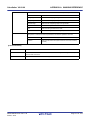
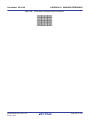
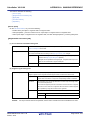
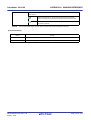
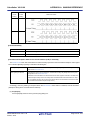
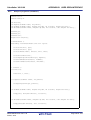
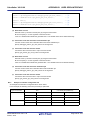
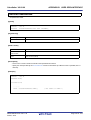
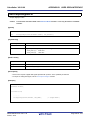
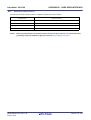
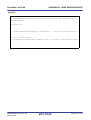
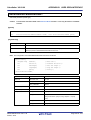
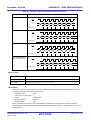
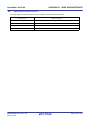
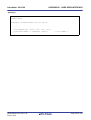
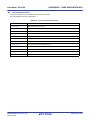
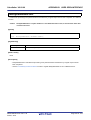
Example When "Set value of [Size Notation]" is 1 byte and "The number of view columns" is 16 columns:
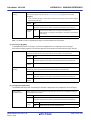
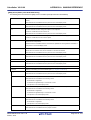
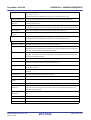
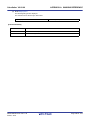
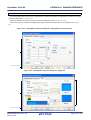
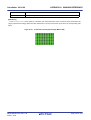
Offset Value
0x0 (default)
Displayed Content of Address Area
0000
0010
0020
0x1
0001
0011
0021
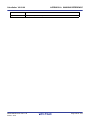
0x2
0002
0012
0022
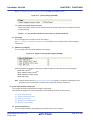
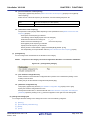
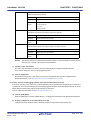
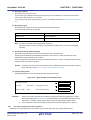
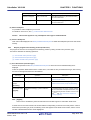
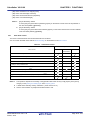
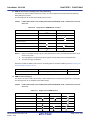
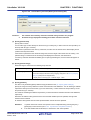
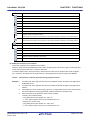
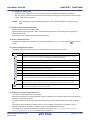
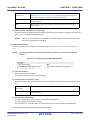
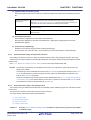
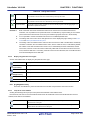
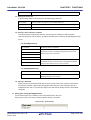
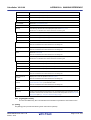
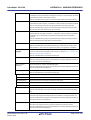
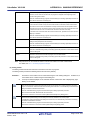
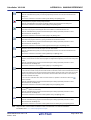
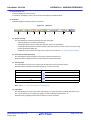
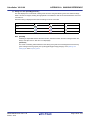
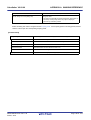
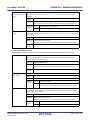
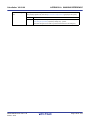
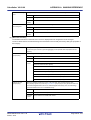
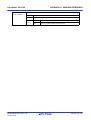
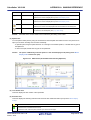
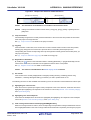
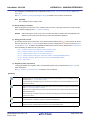
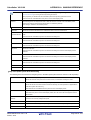
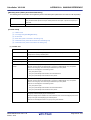
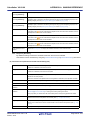
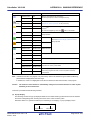
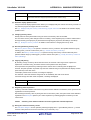
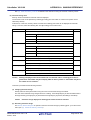
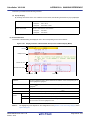
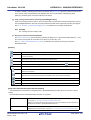
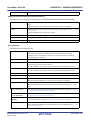
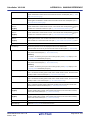
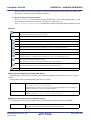
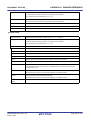
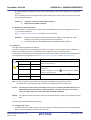
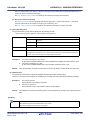
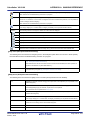
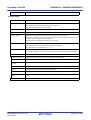
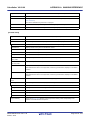
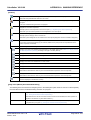
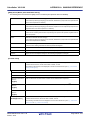
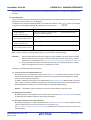
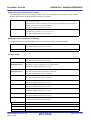
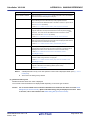
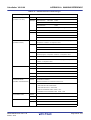
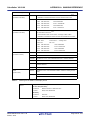
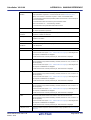
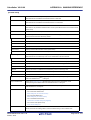
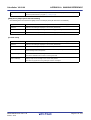
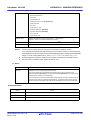
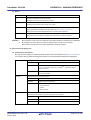
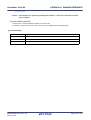
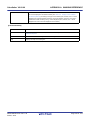
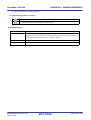
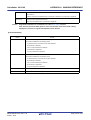
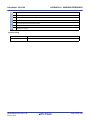
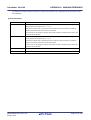
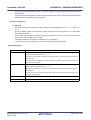
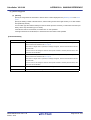
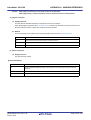
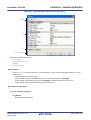
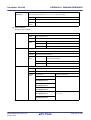
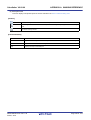
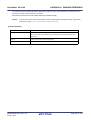
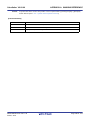
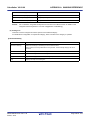
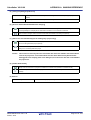
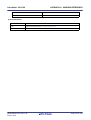
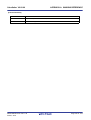
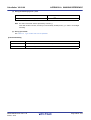
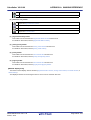
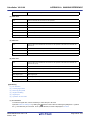
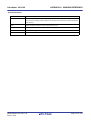
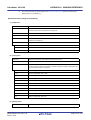
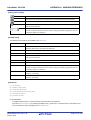
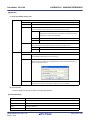
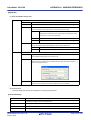
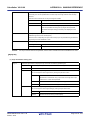
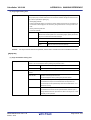
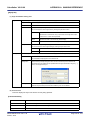
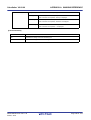
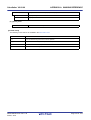
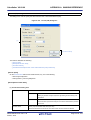
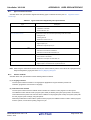
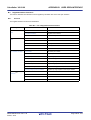
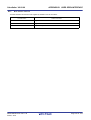
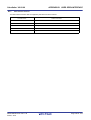
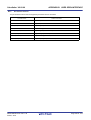
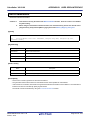
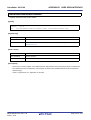
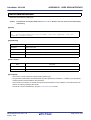
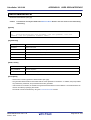
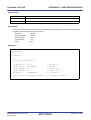
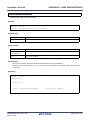
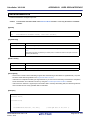
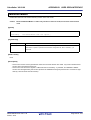
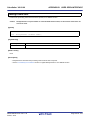
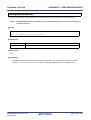
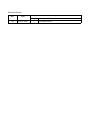
[Function buttons]
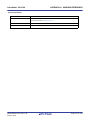
Button
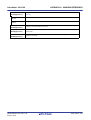
Function
OK
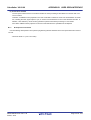
Displays memory addresses with the specified offset value.
Cancel
Cancels the settings and closes this dialog box.
Help
Displays the help for this dialog box.
R20UT2867EJ0100 Rev.1.00
Feb 01, 2014
Page 331 of 572