1
Interest
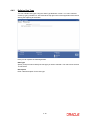
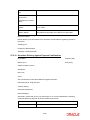
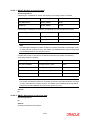
Click this tab to enter the interest details specific to the security that you are
maintaining.
Others
Click this tab to enter additional information relating to the security that you are
maintaining.
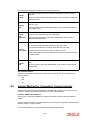
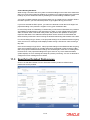
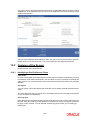
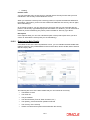
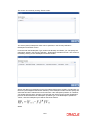
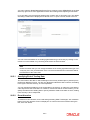
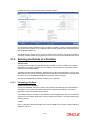
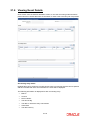
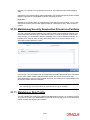
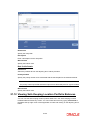
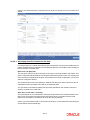
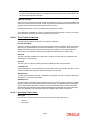
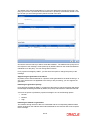
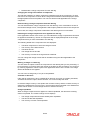
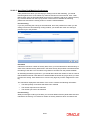
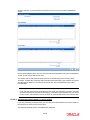
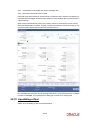
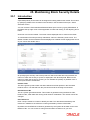
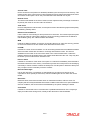
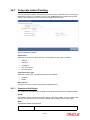
Also displayed on the screen is an array of icons. Clicking on an icon launches its screen.
Details specific to an attribute can be captured on the screen.
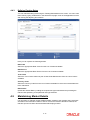
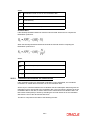
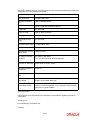
These buttons are briefly described below:
Series
Click on this icon to invoke the Series details screen. If the redemption
type of a bond is Series, you can enter the series details in this screen.
Coupon
Click on this icon to indicate the coupon details for the bond that you are
maintaining.
Revision
For bonds defined with floating interest, and an asynchronous, periodic
interest rate revision, you can define Revision details. Click on this icon
to invoke the Revision Schedules screen.
Redemption
Schedule
Click this icon to define redemption schedules for a security (with Quantity Redemption) that you are maintaining.
Interest
This button invokes the Interest service of Oracle FLEXCUBE. You can
define interest details for a security in this screen.
Tax
This icon invokes the Tax services
MIS
Click this icon to define MIS details for the security.
Fields
Click this icon to invoke the User Defined Fields details screen.
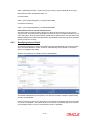
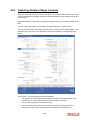
19.2 Entering the Details of a Security
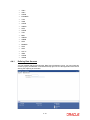
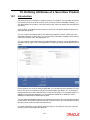
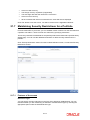
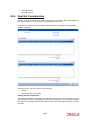
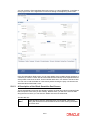
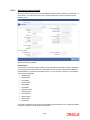
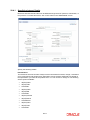
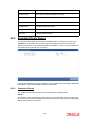
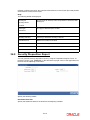
A security can be maintained in the Security Definition screen, which is invoked from the
Application Browser.
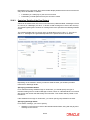
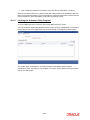
In the Securities Definition screen, you can maintain details of the different kinds of securities
that you deal in. They include Bonds, Zero Coupon Bonds, Treasury Bills, Equities, Rights,
and Warrants. When dealing in a security, the details that you specified in this screen will be
picked up automatically.
A security must be maintained under a Security Product, created by the Head Office. For
instance, if your bank has defined a Short Term Zero Coupon Bonds security product, you
would maintain all short-term zero coupon bonds that you deal in under this product.
A security inherits all the attributes defined for the product under which it is maintained. This
enables efficient maintenance of security.
19.2.1
Identifying a Security
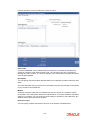
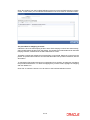
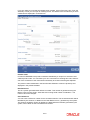
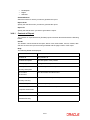
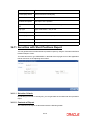
Security Reference Number
In Oracle FLEXCUBE, reference numbers are generated automatically and sequentially, by
the system. This number tag is used to identify the security that you are maintaining. It is also
19-2