1
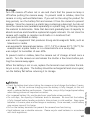
Metering
Metering
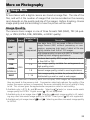
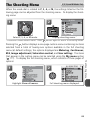
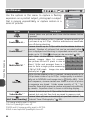
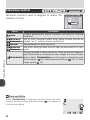
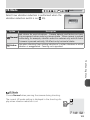
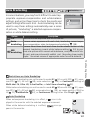
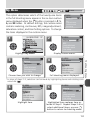
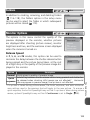
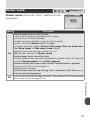
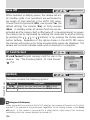
Choose a metering method suited to the composition
and lighting conditions.
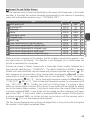
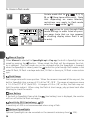
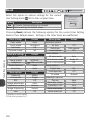
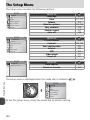
METERING
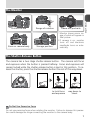
Matrix
Spot
Center-weighted
Spot AF area
Mode
Metering
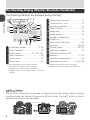
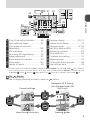
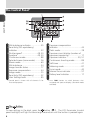
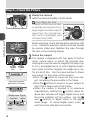
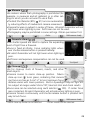
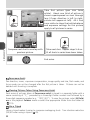
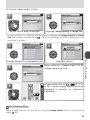
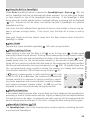
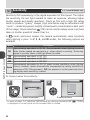
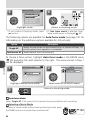
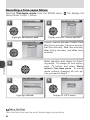
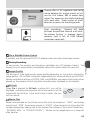
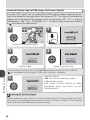
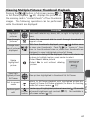
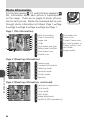
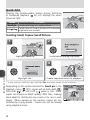
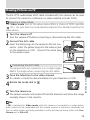
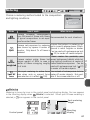
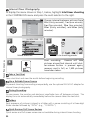
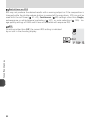
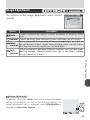
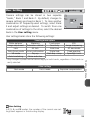
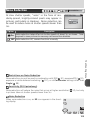
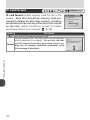
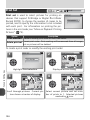
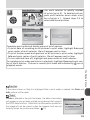
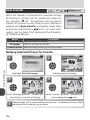
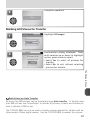
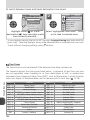
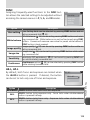
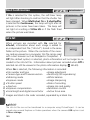
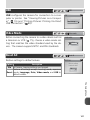
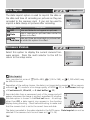
Metering is shown by icons in the control panel and shooting display. No icon appears
in the shooting display when
(Matrix) is selected. When spot AF-area metering is
selected, a
icon appears in the control panel.
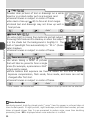
Spot metering
target
8M
Shooting
Control panel
1/60
60 F2.8
126 display
87
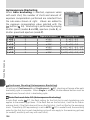
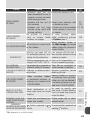
The Shooting Menu
How it works
When to use it
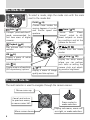
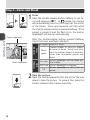
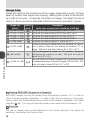
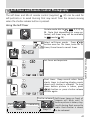
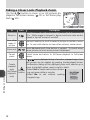
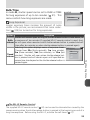
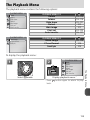
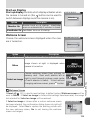
Camera compares measurements
from 256 areas of frame with library
Recommended for most situations.
Matrix of typical compositions to set exposure for entire frame.
Ensures that subject in metering tarCamera sets exposure by metering
get is correctly exposed even if backarea shown by square in center of
ground is much brighter or darker.
Spot
monitor. Only about 1/ 32 of frame is
Can be used with autoexposure lock
metered.
( 22) to meter off-center subjects.
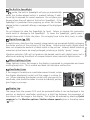
Classic meter for portraits; preCamera meters entire frame but serves background details while letassigns weight of 80% to area in ting lighting conditions at center of
Centercenter of frame occupying roughly frame determine exposure. Can be
weighted
¼ of total.
used with autoexposure lock ( 22)
to meter off-center subjects.
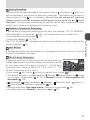
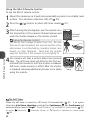
Links spot metering to active focus Use instead of autoexposure lock to
Spot AF area when auto or manual focus meter off-center subjects. Not availarea
area selection is in effect ( 100). able if focus-area selection is off.