1
Music Player
Display modes
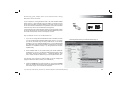
Your sound system has a range of display options when in Music Player
mode. Note that the availability of information depends on the specific media
files, their format and upon the server capability. (Not all UPnP servers
make information from the media files available in the same way.)
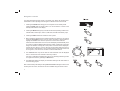
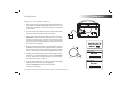
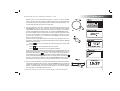
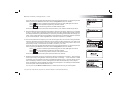
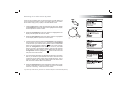
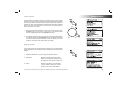
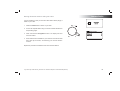
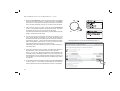
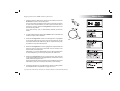
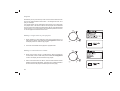
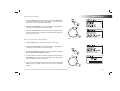
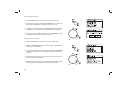
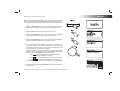
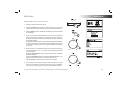
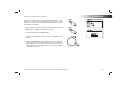
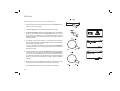
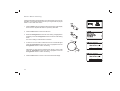
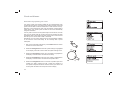
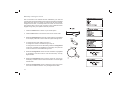
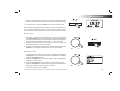
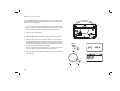
1. Press the Info button to cycle through the different options.
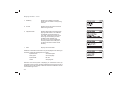
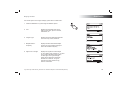
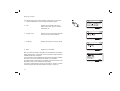
a. Progress bar
Displays the playback progress for the
track currently playing.
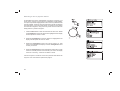
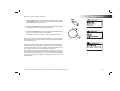
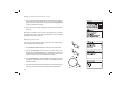
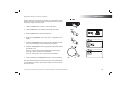
b. Artist
Displays the artist information for the
track currently playing.
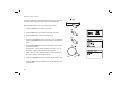
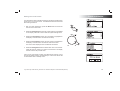
c. Album
Displays the album information for the
track currently playing.
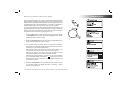
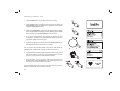
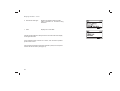
d. Format
Displays the bit rate and format of the
track currently playing.
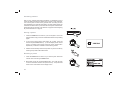
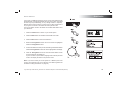
e. Buffer
Displays the radios internal buffer status
during media playback.
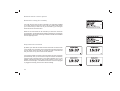
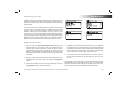
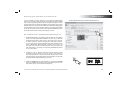
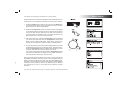
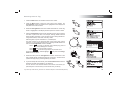
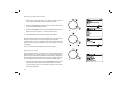
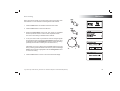
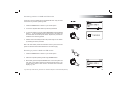
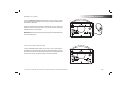
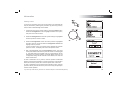
Whenever the Music Player is displaying an information screen (as
opposed to a menu screen), the time is displayed in the top-right corner
of the display, and a WiFi strength or Ethernet connection indicator is
shown in the bottom-right corner together with an indicator showing the
method by which the radio is obtaining the media - either from a UPnP
server or USB memory.
a
1
b
c
d
e
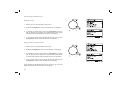
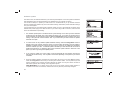
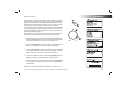
If the capture of track information by the Last.fm feature is enabled (known
as scrobbling), then the Last.fm logo will also be shown (see pages 51-59).
If you need any further advice, please call our Technical Helpline on 020 8758 0338 (Mon-Fri)
42