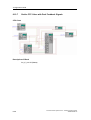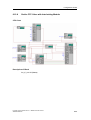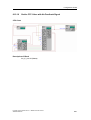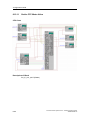
1
Configuration Guide
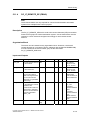
6.6.3
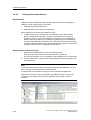
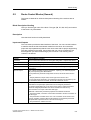
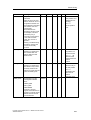
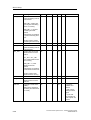
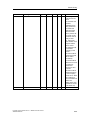
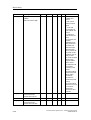
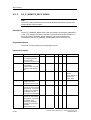
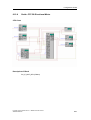
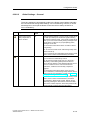
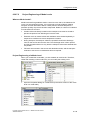
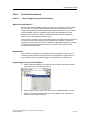
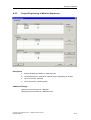
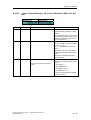
Guide: Configuring the RC Server (Standalone)
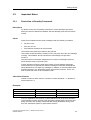
User Task
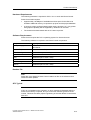
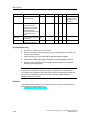
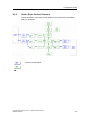
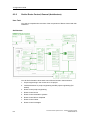
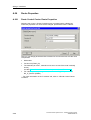
You would like to configure two computers currently installed with the Windows
operating system as Route Control servers.
Solution
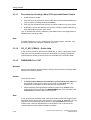
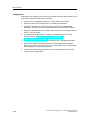
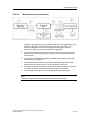
•
Install a Route Control server on this computer.
•
Share out a directory so that the Route Control project engineering can be
copied to the server from an engineering station.
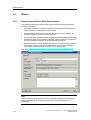
•
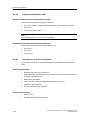
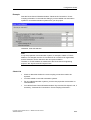
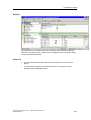
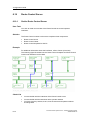
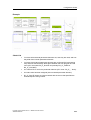
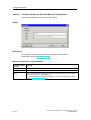
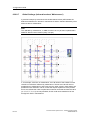
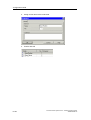
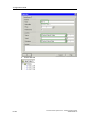
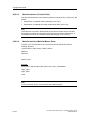
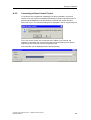
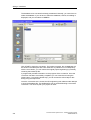
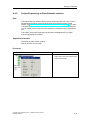
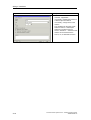
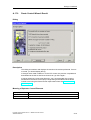
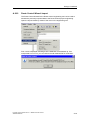
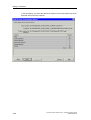
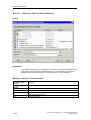
In the server dialog of the Route Control Wizard, specify two servers (Route
Control applications). These servers will now be included in your Route Control
project. Be sure to indicate whether the computers have one or two network
cards.
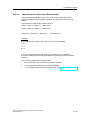
•
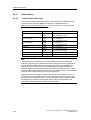
Load the project engineering onto the Route Control master server.
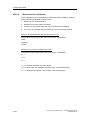
•
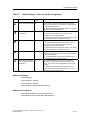
The Route Control server has been installed.
•
The <Drive>:\Siemens\RCS\Load is shared out.
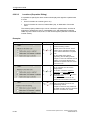
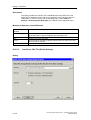
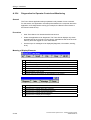
Example
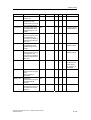
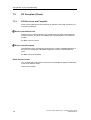
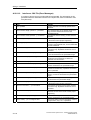
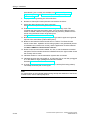
Check List
Process Control System PCS 7 - SIMATIC Route Control
A5E00343836-02
6-33