1
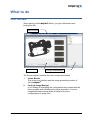
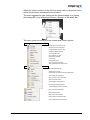
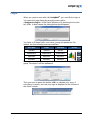
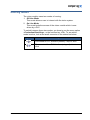
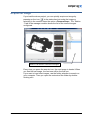
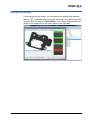
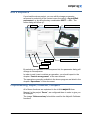
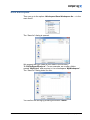
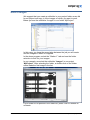
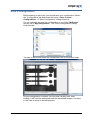
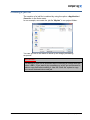
Acquire an image If you load the demo project, you can quickly acquire an image by pressing on the icon in the status bar just under the image or selecting in the context menu the option <Camera/Snap>. The “Station 1” tab in the manager module shows the list of the current images configured. “Station1“ tab with the current list of images Every time you press the acquire icon, the next image is loaded. When you load the last image, the next one will be the first one. If you want to load other images, use the folder selection to search on your computer. Then you open the contents of the folder by doubleclicking on it. version 2.0 19.11.14 What to do 15