1
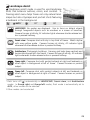
Symbols and Conventions
To make it easier to find the information you
need, the following symbols and conventions
are used:
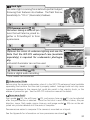
This icon marks cautions, information
that should be read before use to prevent
damage to the camera.
This icon marks notes, information that
should be read before using the camera.
This icon marks tips, additional information that may be helpful when using the
camera.
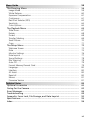
Introduction
First Steps
Basic Photography
More on Photography
Scene Mode
This icon indicates that more information
is available elsewhere in this manual or in
the Quick Start Guide.
Voice Recordings
Movies
More on Playback
Menu Guide
Memory Cards
Pictures taken with this camera can be stored in
the camera’s internal memory or on removable
memory cards. If a memory card is inserted, all
new pictures will be stored on the memory card
and delete, playback, and format operations will
apply only to the pictures on the memory card.
The memory card must be removed before the
internal memory can be formatted or used to
store, delete, or view pictures.
Technical Notes
i