1
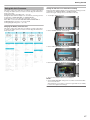
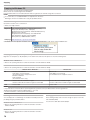
Menu Settings
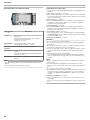
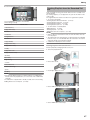
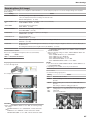
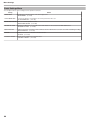
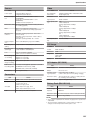
DEMO MODE
AUTO POWER OFF
Starts playback of the demo mode which introduces the features of this
unit.
Setting
Details
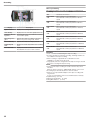
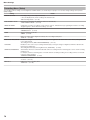
Prevents the situation of forgetting to turn off the power when this is set.
Setting
Details
OFF
Deactivates the function.
ON
Plays a demonstration of the special features of this unit.
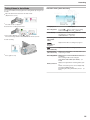
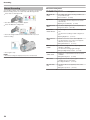
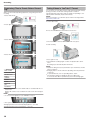
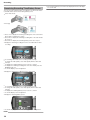
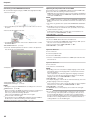
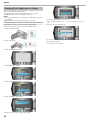
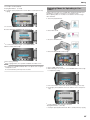
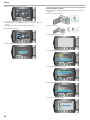
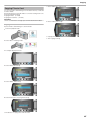
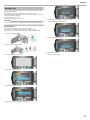
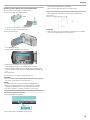
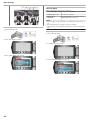
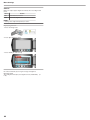
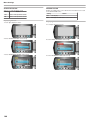
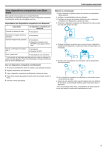
Displaying Demo Mode
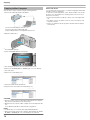
① Remove the battery pack and SD card.
② Connect the AC adapter.
③ Open the LCD monitor and turn on the power.
● Demonstration starts playing after 3 minutes.
● To stop playback, touch C.
NOTE:
●
This mode is not available in the playback mode.
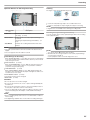
OFF
Power is not turned off even if this unit is not operated for 5
minutes.
ON
Turns off the power automatically if this unit is not operated
for 5 minutes.
NOTE:
●
●
When using battery, power is turned off automatically if this unit is not
operated for 5 minutes.
When using the AC adapter, this unit goes into standby mode.
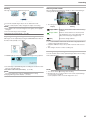
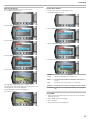
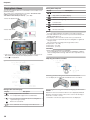
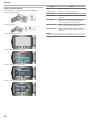
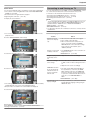
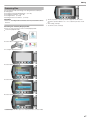
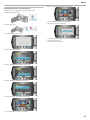
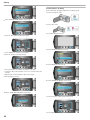
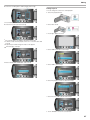
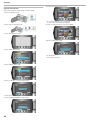
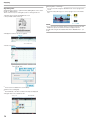
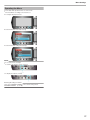
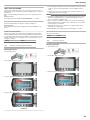
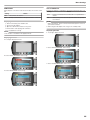
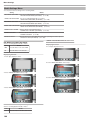
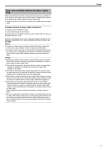
Displaying the Item
1
Touch D to display the menu.
2
Select “BASIC SETTINGS” and touch C.
3
Select “AUTO POWER OFF” and touch C.
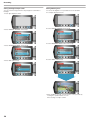
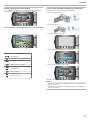
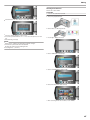
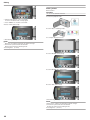
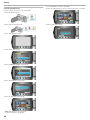
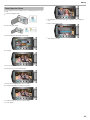
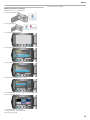
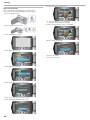
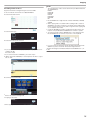
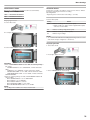
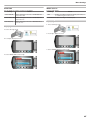
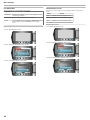
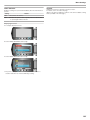
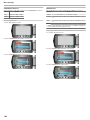
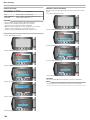
Displaying the Item
Touch D to display the menu.
.
.
1
Select “BASIC SETTINGS” and touch C.
.
.
2
.
Select “DEMO MODE” and touch C.
.
3
99