1
Chapter 10
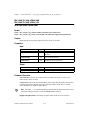
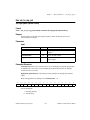
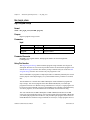
Analog & Digital I/O Functions — flex_load_pwm_duty
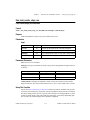
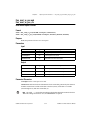
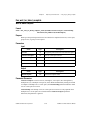
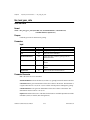
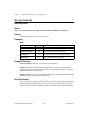
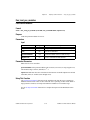
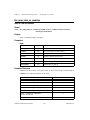
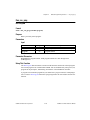
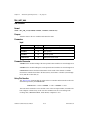
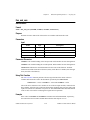
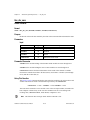
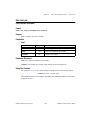
flex_load_pwm_duty
Load PWM Duty Cycle
Format
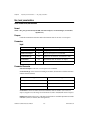
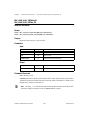
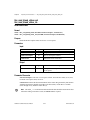
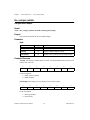
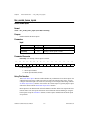
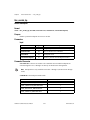
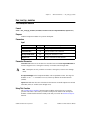
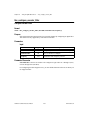
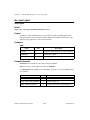
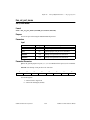
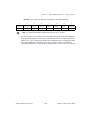
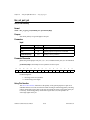
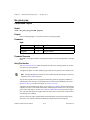
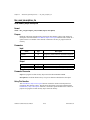
status = flex_load_pwm_duty (boardID, PWMOutput, dutyCycle, inputVector)
Purpose
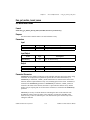
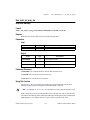
Sets the duty cycle for a PWM output.
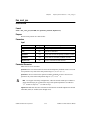
Parameters
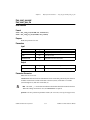
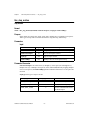
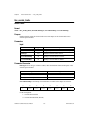
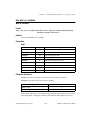
Input
Name
Type
Description
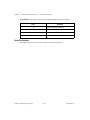
boardID
u8
assigned by Measurement & Automation Explorer
PWMOutput
u8
PWM Output
dutyCycle
u16
duty cycle for PWM Output
inputVector
u8
source of the data for this function
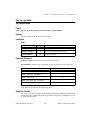
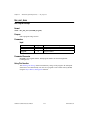
Parameter Discussion
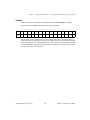
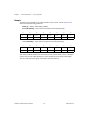
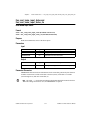
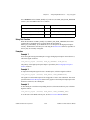
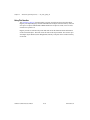
PWMOutput selects the PWM Output to control (1 or 2).
dutyCycle is a value between 0 and 255 that specifies the amount of time the PWM output is
high.
inputVector indicates the source of the data for this function. Available inputVectors include
immediate (0xFF) and variable (0x01 through 0x78).
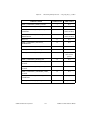
Using This Function
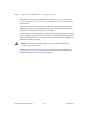
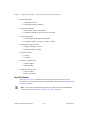
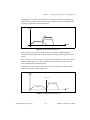
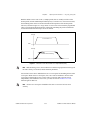
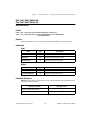
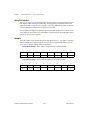
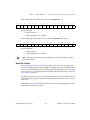
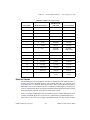
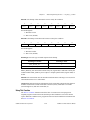
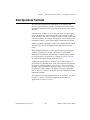
The dutyCycle determines the amount of time the PWM output is high. A dutyCycle of 0
corresponds to a 0 V output, and a dutyCycle of 255 corresponds to a pulse train that is high
for 255/256 = 99.6% of the time. Use the Configure PWM Output function to set the
frequency of the PWM output signal.
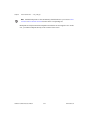
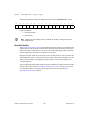
You can set the duty cycle before or after configuring a PWM output. By default, the
dutyCycle is 0, so if you call the Configure PWM Output function to configure a PWM
output, the output will be low until you set the dutyCycle differently. If you set the dutyCycle
first, the PWM output will reflect this dutyCycle immediately after calling the Configure
PWM Output function.
FlexMotion Software Reference Manual
10-12
www.natinst.com