1
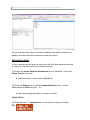
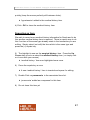
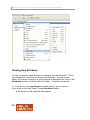
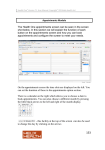
Health One Version 7.1 User Manual. Copyright 2011Helix Health Ltd As you can see from above the basic medical information sequence is added, next we select the sequence items we require. Managing Items In this instance we are going to skip over the first item because we wish to leave it in the file merely as a descriptive title. 1) Ensure the basic medical information Item is selected. Press the Down Cursor key once. ‘medical history:’ item is now highlighted 2) Press the Return key to edit the medical history: item. In the associated list Find box type: h only terms beginning with ‘h’ remain in the list. Quick Clicks 3) Select the term 86 hypertension in the list by clicking on it twice