1
64
Environment Options
5.3 Environment Options
The Environment Options dialog box is designed for setting up the Reliance Design
development environment in detail. The options are divided into several groups. Each group
corresponds to an item in the tree view located on the left side of the dialog box.
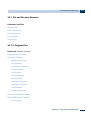
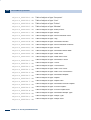
Paths
Keyboard Shortcuts
Managers
Picture Manager
String Manager
Script Manager
Script Debugging
Visualization Windows
Window Layout
File Types
Connection
License
Update
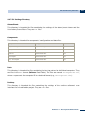
5.3.1 Paths
The Paths group allows you to preset some of the frequently used locations of files and
directories within the system.
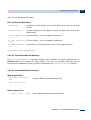
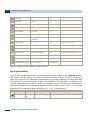
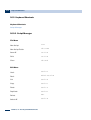
Project directory
A default directory for creating or opening visualization projects. You can choose a path
using the Select Directory dialog box.
Project backup directory
A default directory for storing project backups (see the Backup Project Wizard for
details).
Reliance 4 – Development Environment