1
Memory Card
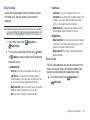
Your phone supports removable microSD™ or microSDHC™
memory cards of up to 32GB capacity, for storage of music,
pictures, and other files.
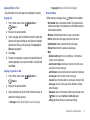
Installing a Memory Card
1.
Remove the battery cover. For more information, see
“Removing the battery cover” on page 7.
2.
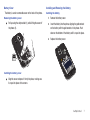
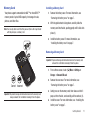
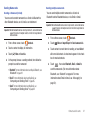
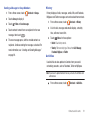
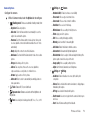
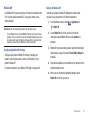
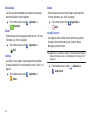
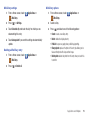
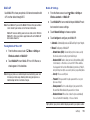
With the gold contacts facing down, carefully slide the
memory card into the slot, pushing gently until it clicks into
Note: You can only store music files that you own (from a CD or purchased
with the phone) on a memory card.
place (1).
3.
Install the battery cover. For more information, see
“Installing the battery cover” on page 7.
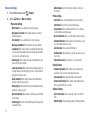
Removing a Memory Card
Important!: To prevent damage to information stored on the memory card,
unmount the card before removing it from the phone.
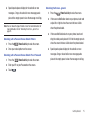
1.
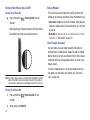
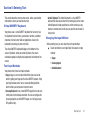
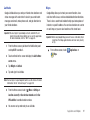
From a Home screen, touch
Menu ➔ Settings ➔
Storage ➔ Unmount SD card.
2.
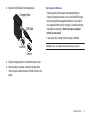
Remove the rear cover. For more information, see
“Removing the battery cover” on page 7.
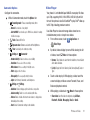
Correct Incorrect
3.
Important!: To prevent damage to information stored on the memory card,
always unmount the card before removing it from the phone.
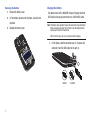
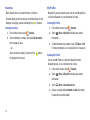
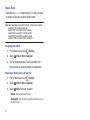
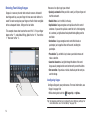
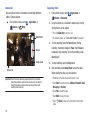
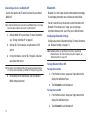
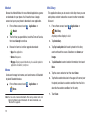
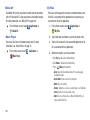
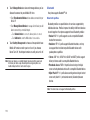
Gently press on the memory card, then release so that it
pops out from the slot, and carefully pull the card out (2).
4.
Install the cover. For more information, see “Installing the
battery cover” on page 7.
Getting Started
13