1
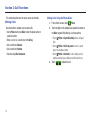
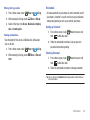
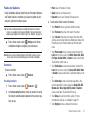
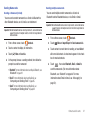
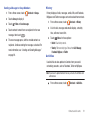
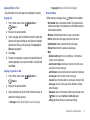
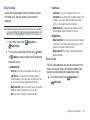
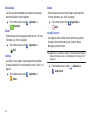
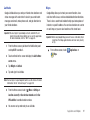
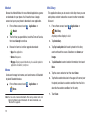
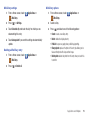
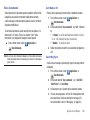
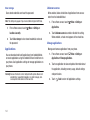
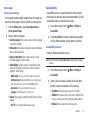
Setting a Picture as a Contact Icon
1.
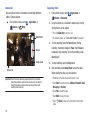
From a Home screen, touch
Applications ➔
Gallery.
2.
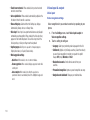
Touch a category, then touch a picture to select it.
3.
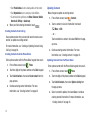
Touch
4.
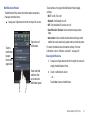
Select a contact, or create a new contact, with the
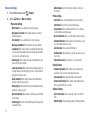
Menu ➔ More ➔ Set as ➔ Contact icon.
selected picture as the contact’s icon.
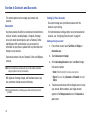
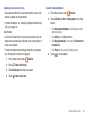
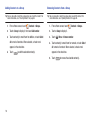
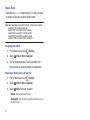
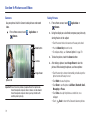
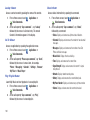
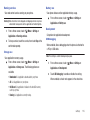
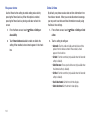
Setting a Picture as Wallpaper
1.
From a Home screen, touch
Applications ➔
Gallery.
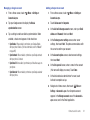
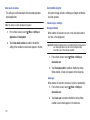
2.
Touch a category, then touch a picture to select it.
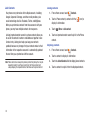
3.
Touch
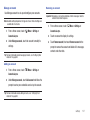
4.
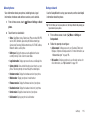
Menu ➔ More ➔ Set as ➔ Wallpaper.
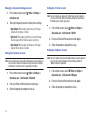
Use the crop tool to edit the picture, then touch Save to set
the edited picture as the Home screen wallpaper.
84