1
9.2. LOGGING
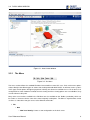
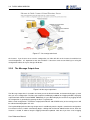
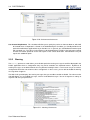
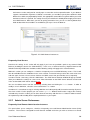
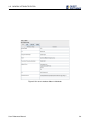
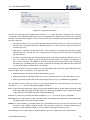
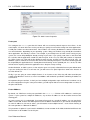
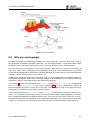
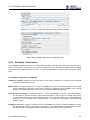
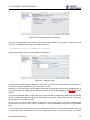
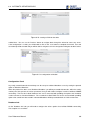
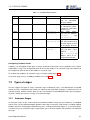
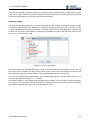
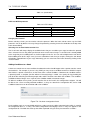
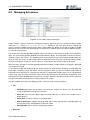
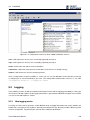
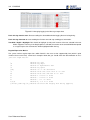
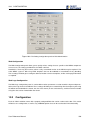
Figure 9.1: A configuration instance has been added to Windows Services.
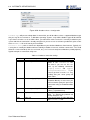
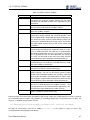
start It will register the service (if it is not already registered) and start it
stop It will register the service (if it is not already registered) and stop it
restart It will invoke stop and the start functionalities
condrestart It will invoke stop and start functionalities (if the instance is already running).
remove It will remove the service if already registered
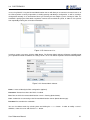
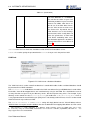
Once a configuration has been installed as a service, you can use your Windows Service interface to manage
it, configuring it to start automatically if you want. The configuration will be listed in Services as "QC VDS
<configuration directory - configuration name>".
9.2
Logging
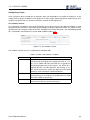
In the following sections we will try to explain how DSGUI interacts with the logging generated by a running QC
VDS instance. We will explore how the logging information is generated and the different options that a DSGUI
user has to view and explore its content.
9.2.1
How logging works
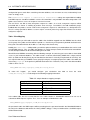
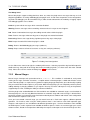
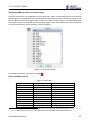
A running QC VDS instance generates several different kinds of logging information that can be viewed in the
DSGUI that is managing it. The log data is generally stored within the ’logs’ directory inside the directory for the
instance configuration. Log data may be stored for these 3 different destinations:
User Reference Manual
110