1
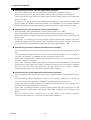
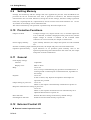
8.9 Setting Memory
8.9
Setting Memory
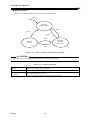
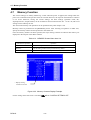
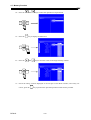
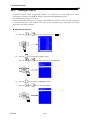
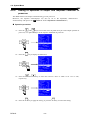
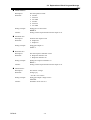
Settings are backed up and the settings that were applied the previous time the BP4610 was
powered off can be restored the next time is powered on. However, the selected response
characteristics are not saved. Moreover, among the various settings, the basic settings (operation
mode, DC, superimposed AC, output limiters) can be saved to store/recall memories No. 1 to No.
30, and the saved settings can be called and used.
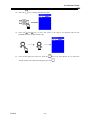
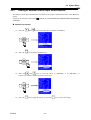
The store/recall memory call operation is possible only when the output is off.
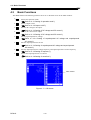
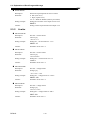
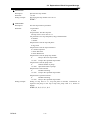
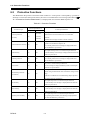
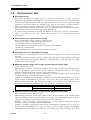
8.10 Protective Functions
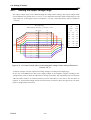
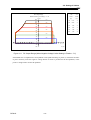
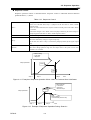
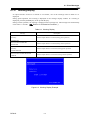
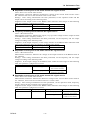
Output overload:
If output voltage over, output current over, or internal output loss
over is detected, overload is displayed on the panel screen, and the
output voltage or current is reduced. If the overload status
continues 10 or more seconds, the output is switched off.
Power supply anomaly:
Upon anomaly detection, the output and power are both switched
off.
Internal overheating: Upon anomaly detection, the output and power are both switched off.
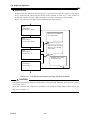
Operation panel anomaly:
Upon detection of an operation panel anomaly such as the
operation panel being disconnected from the main unit, the output
and power are both switched off.
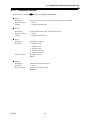
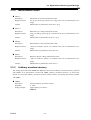
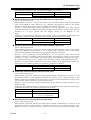
8.11 General
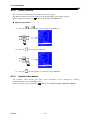
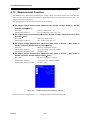
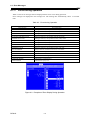
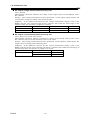
LCD display settings
Contrast:
Display color:
Beep:
Adjustable
Blue or white
On or off
If on, a beep is emitted during key operation and malfunction. A
warning sound is emitted upon overload detection, regardless of
this setting.
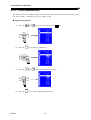
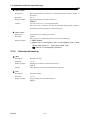
Keylock:
On or off
In the on status, only keylock off operation and output off
operation are possible.
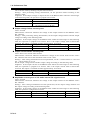
Output setting at power-on:
On or off
When on, the output is automatically switched on at power-on.
Response characteristics setting at power-on:
On or off
When on, the response characteristics are automatically set to
adjusted characteristics at power-on.
Reset function:
Returns the basic settings to the factory default settings.
Self-diagnosis function:
Performs check of each memory at power-on.
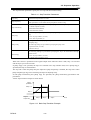
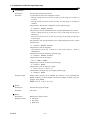
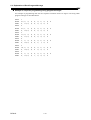
8.12 External Control I/O
External control operation mode
BP4610
8-8