1
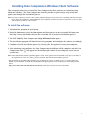
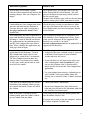
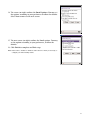
14. The screen (on right) outlines the Email Options. You may set
the options according to your preferences or allow the defaults.
Select Next to move to the next screen.
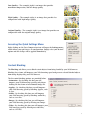
15. The next screen (on right) outlines the Email options. You may
set the options according to your preferences, or allow the
defaults.
16. Click Finish to complete and Exit setup.
Note: Please refer to “Radius for Windows and Pocket PC” when you are ready to
configure your MTS Mobility Client.
21