1
Part M: Export to Image File
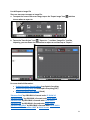
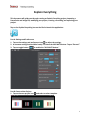
There are two ways to export an image file.
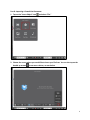
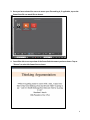
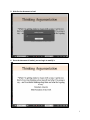
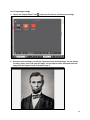
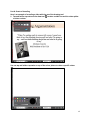
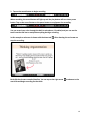
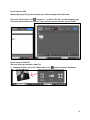
a. To export the current slide as an image, tap on the “Export Image” icon
choose where to export to.
and then
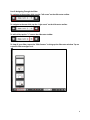
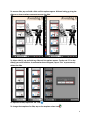
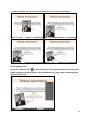
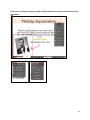
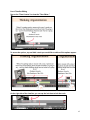
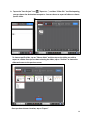
b. Tap on the “Save Project” icon
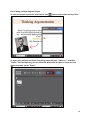
, “Export to…”, and then “Image file.” Just like
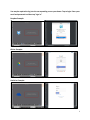
importing, you can choose the destination to export to and then tap on “Export.”
For more detailed information:
• Explain Everything Tutorial Videos from Explain Everything
• Explain Everything Help iOS from Explain Everything (PDF)
• Explain Everything User Manual (iBook)
“Gestures Pinch” by GRPH3B18 is licensed under CC BY-SA 3.0
“Gestures Rotate” by GRPH3B18 is licensed under CC BY-SA 3.0
“Gestures Pan” by GRPH3B18 is licensed under CC BY-SA 3.0
“Gestures Tap” by GRPH3B18 is licensed under CC BY-SA 3.0
“Gestures Long Press” by GRPH3B18 is licensed under CC BY-SA 3.0
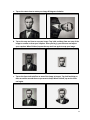
“Abraham Lincoln November 1863” in Public Domain
21