1
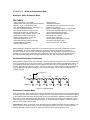
When WKUSB is not connected to a host application it will run in standalone mode. This can be
while disconnected from a PC running on batteries or connected to a PC but not connected to a
host application. There is an extensive set of standalone capablities that are described in detail in
the file: WK3_Datasheet_v1.pdf. The Standalone section starts on page 19. Settings can be
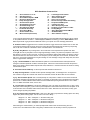
entered by paddle commands or through the WK3Tools application which runs on a Windows PC.
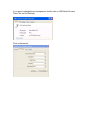
The WK3tools installation file is called wk3tools_setup.exe. After installation, start the app up and
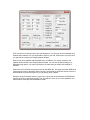
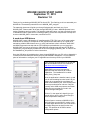
the following dialog box is shown:
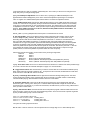
It will be empty since you haven’t uploaded the current configuration of your WKUSB. When
WKUSB is powered up for the very first time, all settings are loaded with defaults. To view these,
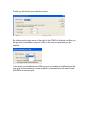
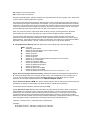
connect WKUSB to your PC, set the ComPort and click on ReadWK. After a couple of seconds
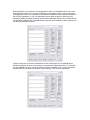
the dialog box will be updated to show the current settings, in this case you should see: