1
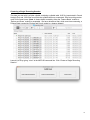
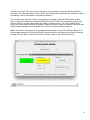
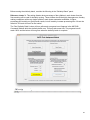
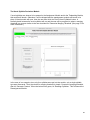
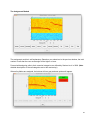
Before running the similarity batch, consider the following in the “Similarity Batch” panel:
Reference cluster %: This setting dictates what percentage of the syllables in each cluster from the
first recording will be used for similarity scoring. These clusters should be highly homogeneous, thereby
making comparison with every single syllable in each cluster somewhat redundant. A higher
percentage will certainly not yield poorer results, but will certainly increase processing time. We set the
default to 50% and will use it for the tutorial.
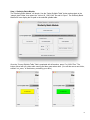
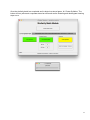
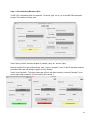
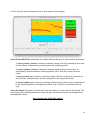
The ‘Run Similarity Batch’ button will turn yellow and a progress bar will appear in the MATLAB
Command Window while the similarity batch runs. This may take some time. The progress bar will
reach 100% and the button will turn green when the similarity batch is complete.
22