1
Operating the camera from a
computer
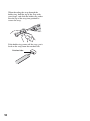
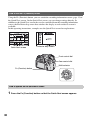
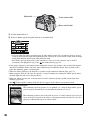
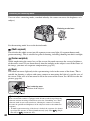
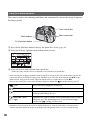
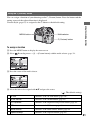
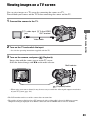
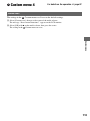
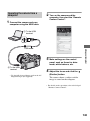
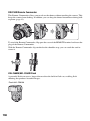
1 Connect the camera and your
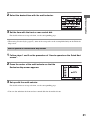
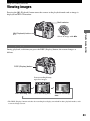
2 Turn on the camera and the
computer, then start the “Remote
Camera Control”.
computer using the USB cable.
1 To the USB
terminal
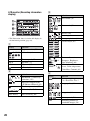
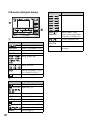
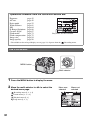
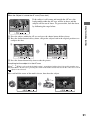
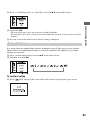
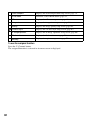
3 Make settings on the control
panel, such as those for drive
mode, white balance, etc.
2 To the USB
terminal
• Use the fully charged battery pack or the AC
Adaptor/charger (not supplied).
Using your computer
USB cable
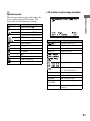
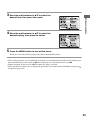
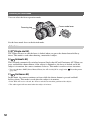
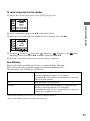
4 Adjust the focus and click the
(Shutter) button.
The camera shoots a subject and the
image is stored on the computer.
• For details on the operation, refer to the help of
“Remote Camera Control”.
143