1
Configuration
How to Modify the Fallback Mode Parameter
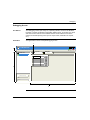
At a Glance
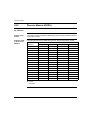
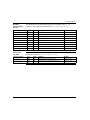
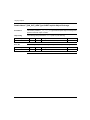
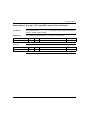
This parameter defines the fallback mode adopted by outputs when the PLC
switches to STOP due to:
z
z
z
a processor error
a rack connection error
an inter-rack cable connection error
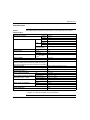
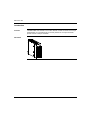
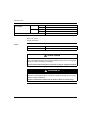
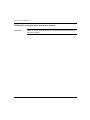
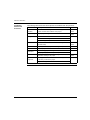
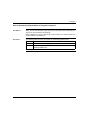
The modes are as follows:
Procedure
Mode
Meaning
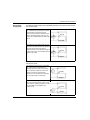
Fallback
Channels are set to 0 or 1 according to the defined fallback value for the
corresponding 8-channel group.
Maintenance
The outputs remain in the status they were in before switching to Stop.
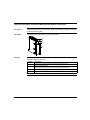
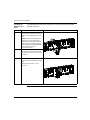
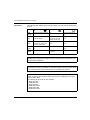
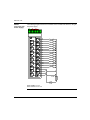
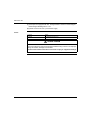
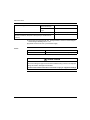
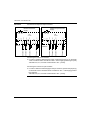
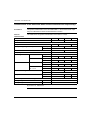
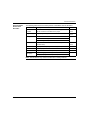
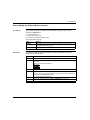
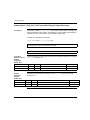
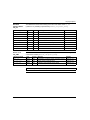
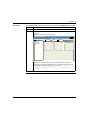
The following table shows the procedure for defining the fallback mode to be
assigned to a channel group.
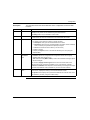
Step
Action
1
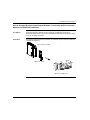
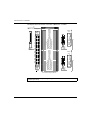
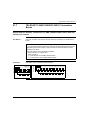
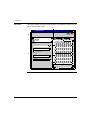
Open the desired module configuration screen.
2
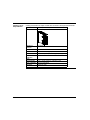
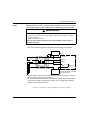
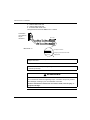
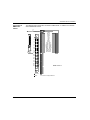
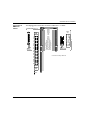
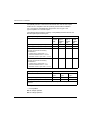
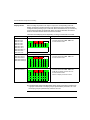
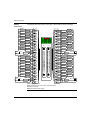
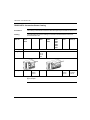
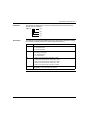
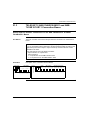
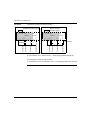
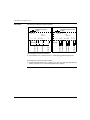
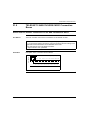
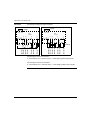
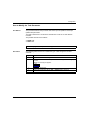
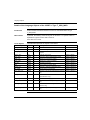
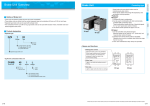
For the desired channel group, click on the arrow of the Fallback mode dropdown menu.
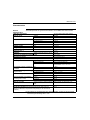
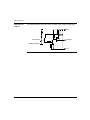
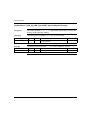
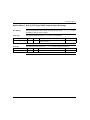
Result : The following list appears.
Fallback mode
Fallback
Fallback
Maintenance
35012474.02 07/2008
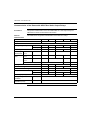
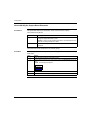
3
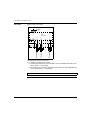
Select the desired fallback mode.
4
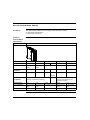
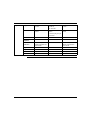
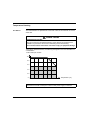
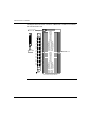
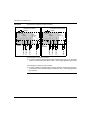
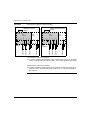
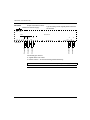
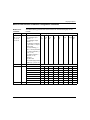
For Fallback mode, configure each channel of the selected group.
To do this, click on the drop-down menu arrow of the channel to be configured,
located in the Fall Back Value column.
5
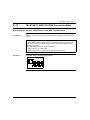
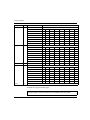
Click on the desired value (0 or 1).
6
Confirm the modification with the Edit → Validate menu command.
261