1
VDAS Setup and Operating Instructions
__________________________________
8
Setting Up the Transport
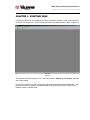
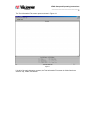
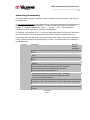
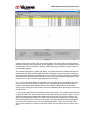
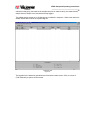
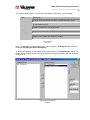
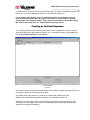
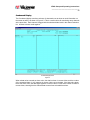
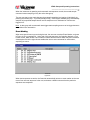
On the main menu, figure 3.0, click on Transport and select Transport Dialog from the drop
down menu. Observe the dialog box as shown below in figure 3.1.
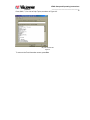
Select Transport
Figure 3.1
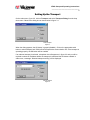
When the dialog appears, the OK button is grayed (disabled). Click on the appropriate radio
button to select transport and VDAS will test that particular communication link. If the transport is
operating properly, the OK button will be enabled.
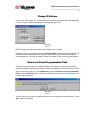
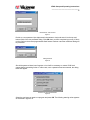
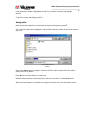
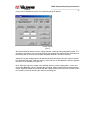
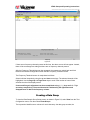
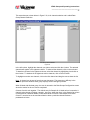
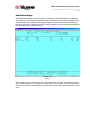
If an ethernet transport is selected, a dropdown box will appear as in figure 3.2 and you will be
required to select an IP address before the transport is tested and the OK button enabled. In
either case, a message “Selected transport working” will be displayed.
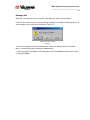
Select IP Address
Figure 3.2