1
VDAS Setup and Operating Instructions
__________________________________
34
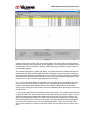
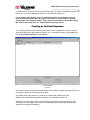
The operator will be obliged to alternately adjust both columns until no further adjustment is
needed.
Up/Down will change the channel selection. If this option is used while the communication link to
the chassis is active, there will be a delay, while the link is shut down.
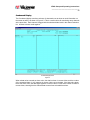
Ctrl+C is always the exit from the strain gage screen. This brings up the channel configuration
screen.
PreTest and PostTest
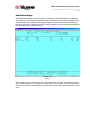
The start test dialog and the test events dialog, each contain a pushbutton leading to the strain
gage screen. In the Pre-Test case, strain gage screen invoked from the Start Test dialog,
execution will return to this dialog upon exit from the strain gage screen, after passing through the
channel configuration screen. The test events dialog however, treats the execution path
differently. In this case, exit from the strain gage screen is still via the channel configuration
screen, but exit from this screen does not return to the test events screen.
Frequency Threshold
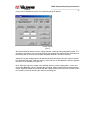
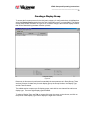
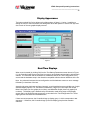
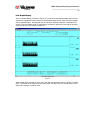
VDAS contains a feature that adjusts frequency channel signal gain before testing begins. This
feature, called Frequency Threshold Adjustment, can be started by first clicking on menu item
View and then on Frequency Threshold, or by clicking on Control + F, after which the screen
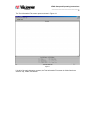
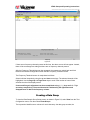
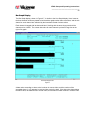
shown in figure 5.7, below will appear. For the frequency threshold feature to be useful, the
chassis must be powered up and the communication link must be working properly.