1
Getting Started Guide
Last Updated 06/13/2006
Defining Joins
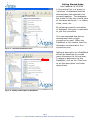
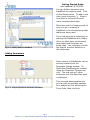
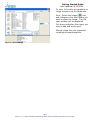
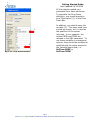
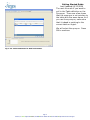
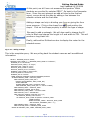
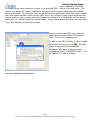
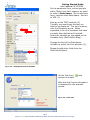
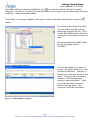
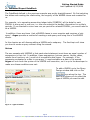
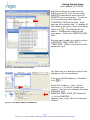
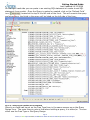
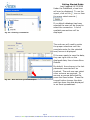
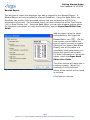
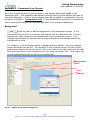
Fig. 3.8 – Generated Join
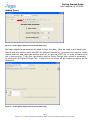
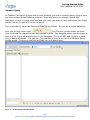
When the table is brough in, Argos is looking at the Meta Layer to determine if any joins
exist. If one exist, it will be added immediately. However, manually adding a join is staight
forward.
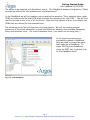
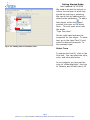
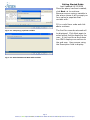
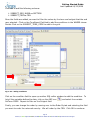
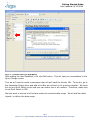
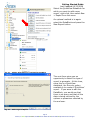
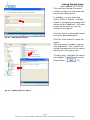
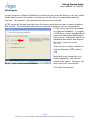
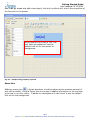
To create a Join, merely select the field from one table and while holding down the mouse
key, draw a line to the field in the second table that you wish to join.
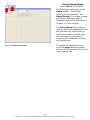
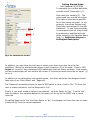
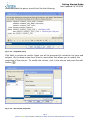
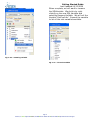
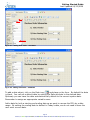
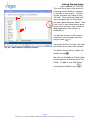
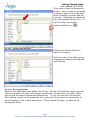
Here we want to connect our two tables based on the Purchase order number which is held
in the fpbpohd_code column for the fpbpohd table and fprpodt_pohd_code field in the detail
table.
Page 56
Evisions, Inc. • 14522 Myford Rd • Irvine, CA 92606 • Phone: 949.833.1384 • Fax714.730.2524 • http://www.evisions.com/support