1
BIOS Setup Utilities
Main Screen (Tab)
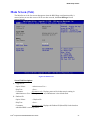
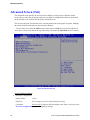
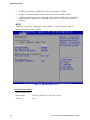
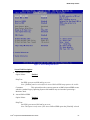
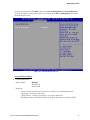
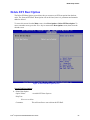
The Main Screen is the first screen that appears when the BIOS Setup configuration utility is
entered, unless an error has occurred. If an error has occurred, the Error Manager Screen
appears instead.
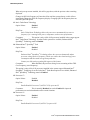
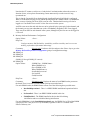
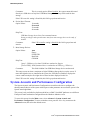
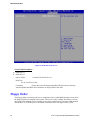
Figure 24. Main Screen
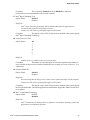
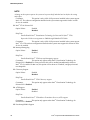
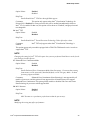
Screen Field Descriptions:
1. Logged in as:
Option Values:
<Administrator/User>
Help Text:
<None>
Comments:
Information only. Displays password level that setup is running in:
Administrator or User. With no passwords set, Administrator is the default mode.
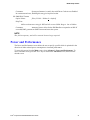
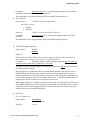
2. Platform ID
Option Values:
< Platform ID>
Help Text:
<None>
Comments:
Information only. Displays the Platform ID (Board ID) for the board on
which the BIOS is executing POST.
®
Intel Compute Module MFS2600KI User Guide
27