1
ENCOM STRATOS plus
USER MANUAL
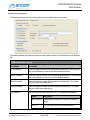
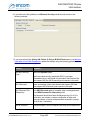
rule.
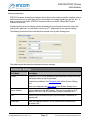
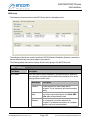
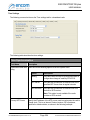
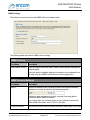
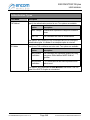
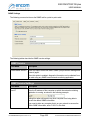
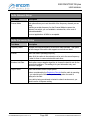
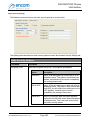
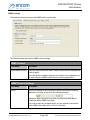
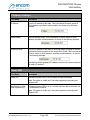
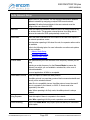
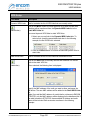
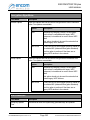
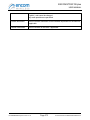
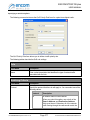
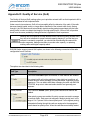
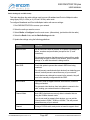
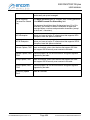
Ports
UDP
The rule will only affect UDP traffic.
TCP
The rule will only affect TCP traffic.
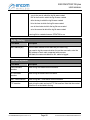
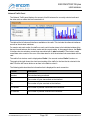
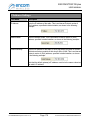
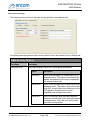
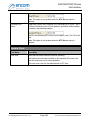
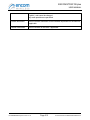
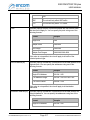
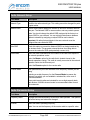
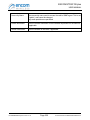
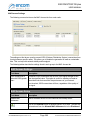
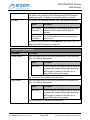
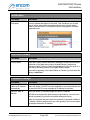
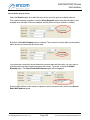
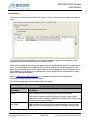
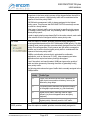
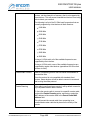
Optionally specify the port or ports associated with the network traffic
that the rule will apply to. You can specify the ports using one of the
following formats:
Format
Example
Single Port
1000
Multiple Ports
1000,2000
Port Range
1000-2000
Multiple Port Ranges
1000-2000,3000-4000
If this value is not specified, the rule will apply to all traffic of the
selected protocol type.
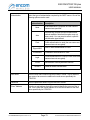
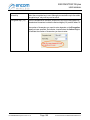
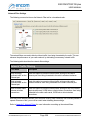
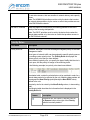
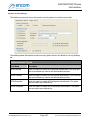
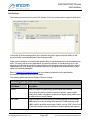
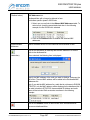
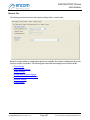
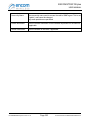
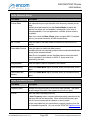
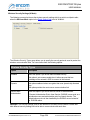
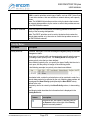
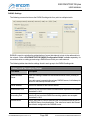
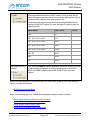
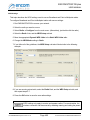
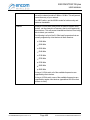
Source Address(es)
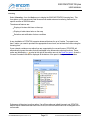
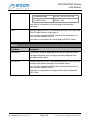
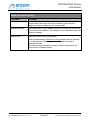
Optionally specify the address or addresses that the data packets must
originate from. You can specify the addresses using one of the
following formats:
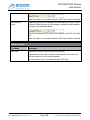
Format
Example
Single IPV4 Address
192.168.1.100
IPV4 Address Range
192.168.1.100-192.168.1.200
IPV4 CIDR Subnet
192/168.1.1/24
If this value is not specified, the rule will apply to all destination
addresses.
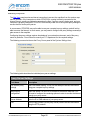
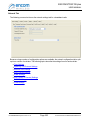
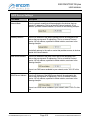
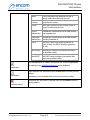
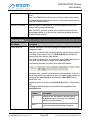
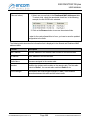
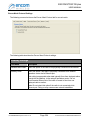
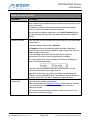
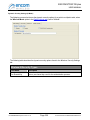
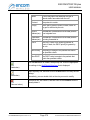
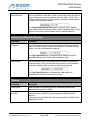
Destination Address(es)
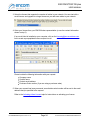
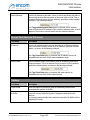
Optionally specify the address or addresses that the data packets are
being forwarded to. You can specify the addresses using one of the
following formats:
For ENCOM STRATOS plus Version 2.1.71
Format
Example
Single IPV4 Address
192.168.1.100
Page 261
© 2010-2015 Encom Wireless Data Solutions Inc.