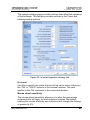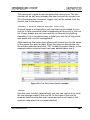
1
Reference/Window Overview
Dimmer Patching
LightFactory V2
A Guide for Users
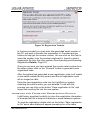
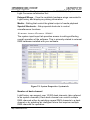
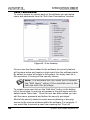
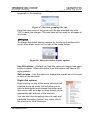
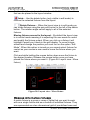
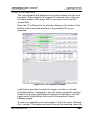
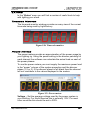
P/T Adjust
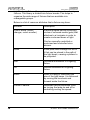
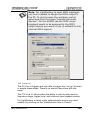
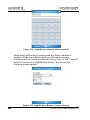
These options give you the ability to reverse the operation of the
pan and tilt control of moving lights. If you find that a moving light
has been hung in reverse to the logical movement of the light then
you can correct it without having to physically change the position
of the light. Use the drop down combo to select the adjustment you
want.
Flip Pan – The pan function of the fixture will be reversed
Flip Tilt – The tilt function of the fixture will be reversed
Flip Pan & Tilt – The pan & tilt function of the fixture will be
reversed
Swap Pan & Tilt – The pan function will operate tilt and the tilt will
operate pan.
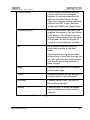
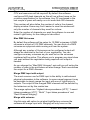
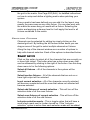
Profile
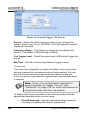
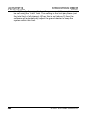
Use the drop down combo box to select the default profile for the
dimmer. See Edit Profiles on page 257 for more information about
this option.
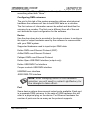
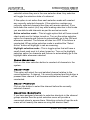
Aux Dimmers
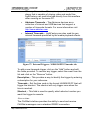
Some fixtures require a separate DMX channel for dimmer control.
The Vari-Lite VL5 for example does not have the dimmer included
in the list of control channels. This is because the dimmer is a
separate power feed to the fixture. To aux dimmer can be used to
set the channel number for this type of fixture.
Use this option when working with colour scrollers where the
dimmer is not located at a fixed distance from the control channel.
You can enter any list of dimmers required into this field.
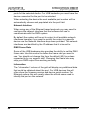
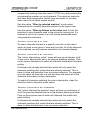
Position
Use the position field to describe where the fixture is located in the
lighting rig. This field will be displayed in the verbose view of the
channel display.
Unit #
The unit number can be a number that stays with the fixture. Use
the unit number field to store any number you find useful to identify
the fixture.
http://www.lifact.com
253