1
OTHER RECORDING FUNCTIONS
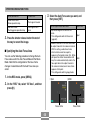
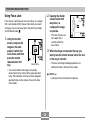
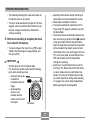
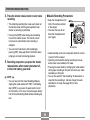
When you see this:
It means this:
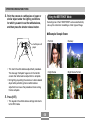
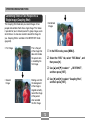
Green focus frame
Green operation lamp
The image is focused.
Red focus frame
Flashing green operation lamp
The image is not in
focus.
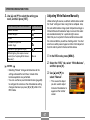
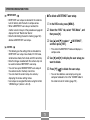
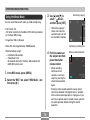
3. Select the Auto Focus area you want, and
then press [SET].
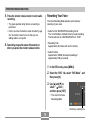
3. Press the shutter release button the rest of
the way to record the image.
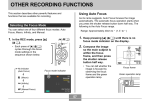
■ Specifying the Auto Focus Area
You can use the following procedure to change the Auto
Focus area used in the Auto Focus Mode and the Macro
Mode. Note that the configuration of the focus frame
changes in accordance with the Auto Focus area you
select.
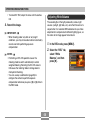
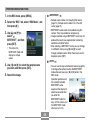
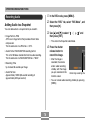
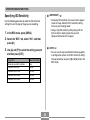
1. In the REC mode, press [MENU].
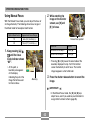
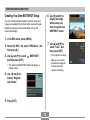
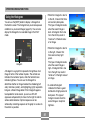
For this type of Auto Focus area:
Select this:
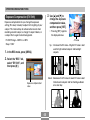
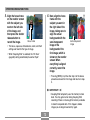
Very limited range in the center of the
screen
• This setting works well with focus lock
(page 64).
Spot
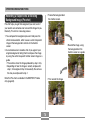
Automatic selection of the focus area where
the subject closest to the camera is located
• With this setting, a wide focus frame,
which contains seven focus points,
appears on the monitor screen first. When
you press the shutter release button half
way, the camera automatically selects the
focus point where the subject closest to
the camera is located, and a focus frame
appears at that point.
• This setting works well for group photos.
Multi
• Spot
• Multi
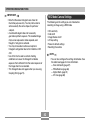
2. On the “REC” tab, select “AF Area”, and then
press [왘].
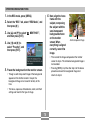
Focus frame
60
Focus frame