1
Initial Settings and Operations
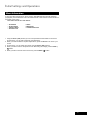
Menu Information
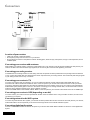
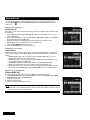
A menu is a field of text shown on the TV screen. Selectable lines are generally activated
(highlighted). No-activated lines cannot be selected. Most of menus show short information at
the bottom of the screen.
This menu consists of 7 main menus:
•
•
•
•
Installation
System Setup
Channel Setup
Parental Lock
• Game
• Multimedia
• Conditional Access
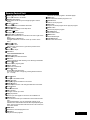
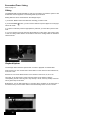
1 Using the Arrow (▲/▼) buttons you can move upwards and downwards on the menus.
On the menus, you can search channels using this button.
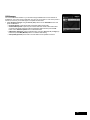
2 When you have reached the required subject menu, press the OK button to confirm your
choice.
3 On the menus, you can select menu items using the Arrow (◄/►) buttons.
4 When you want to return to the previous menu with saving the change, press the Back (
) button.
5 When you want to exit from the current menu, press the Menu ( ) button.
6