1
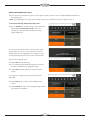
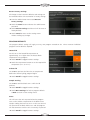
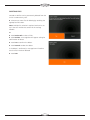
Running a program not on the shortcut list
l
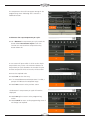
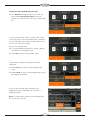
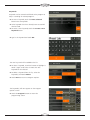
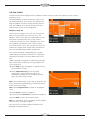
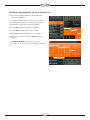
Once the required program has been identified,
touch it to highlight it.
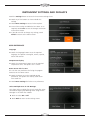
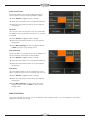
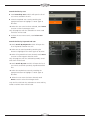
The Program Selector Screen will show a summary of
the program, the instrument settings and a graphical
representation of the thermal cycling program.
l
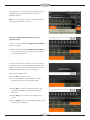
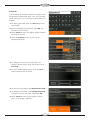
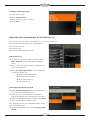
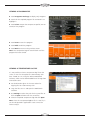
Touch Edit to edit the program if required.
l
Touch Back to return to the Home Screen.
l
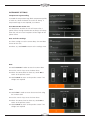
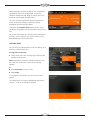
Touch Start to proceed to the Pre-run Screen.
l
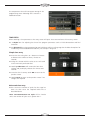
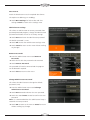
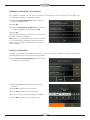
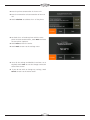
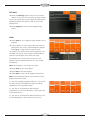
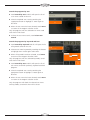
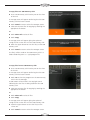
From the Pre-run Screen, touch Start to run the
program.
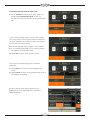
See The Run Screen on page 46 for further
information on instrument status and progress during a
run.
49