1
The gateway for Smart Linux TV
User Manual
II. First Time Installation (using Wizard)
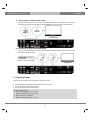
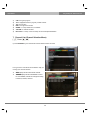
When you turn on STB for the first time after purchase, an installation wizard will begin step by step.
NOTE: ‘OK’ key is used for confirmation and turns to the next step. Pressing ‘EXIT’ key to return to the
previous page.
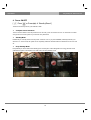
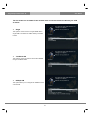
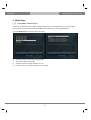
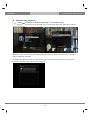
Step 1. Language Selection
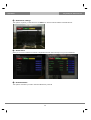
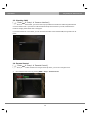
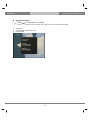
STB provides various languages and here you can
choose the main language for your STB. Use
UP/DOWN key to scroll up and down to find the
language you want.
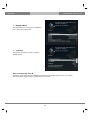
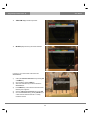
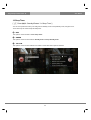
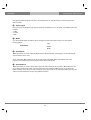
Step 2. Configuring Satellite Connection
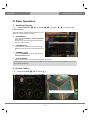
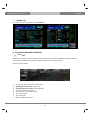
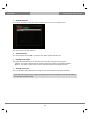
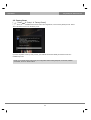
From now on you need to configure the satellite connection. You have two options:
● Use wizard to setup basic features
● Exit wizard
You are strongly recommended to use wizard as it is designed to guide you through the configuration process.
19