1
1 Preface
After you get the software, please try to setup the MDVR and the CMS to get video first according to 3G &
WIFI setup for MDVR28 and CMS3.0. If you don’t have this document, please contact us.
This document introduces the basic application of the CMS. If you have a big project which has more than
100 vehicles, please contact the support team for the best solution.
This software includes 4 parts: message server, transmit server, media proxy server and client.
Message server is used for the register information of all the MDVR, online information, GPS information
and deal with all kinds of commands.
Transmit server is used to transmit video, you must add and setup the MDVR information first in the
transmit server.
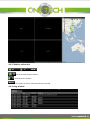
Client is for the video display, information display and the reception of the command from the
administrators.
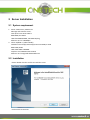
1.1 System requirements
1. Operating System:
Server : windows 2003/2008 server
Client: XP/WIN7 32bit or 64 bit for client
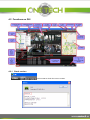
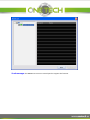
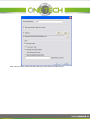
2. The computer must have the drive of DirectX. Please check as follows: Start—Run--input “dxdiag”
Click on “OK”