1
rvsXP User Manual
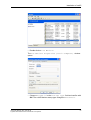
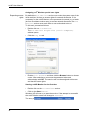
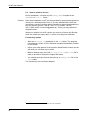
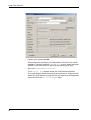
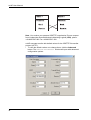
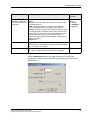
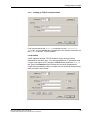
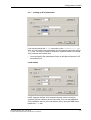
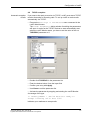
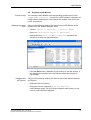
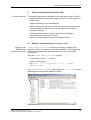
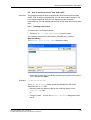
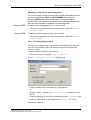
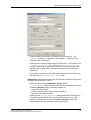
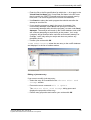
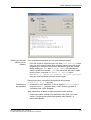
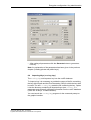
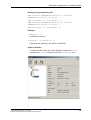
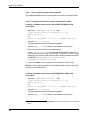
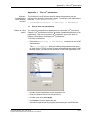
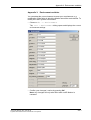
With this example you indicate that a maximum of 2 senders transmit
data at the same time.
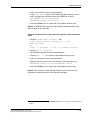
• Confirm your entry with Apply.
• Use Close to exit the parameter list.
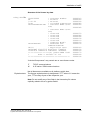
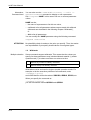
This operation transfers the command into the rvsXP database. When
restarted, rvsXP Monitor will read this command and use the modified
parameter.
Stop and start rvsXP Monitor to activate the parameter right away.
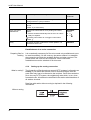
Static modification
Changes with
restarting
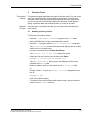
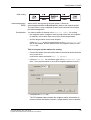
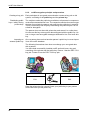
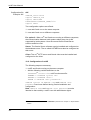
You can also customize the monitor parameters by making entries in the
rdmini.dat file. It is read every time rvsXP Monitor restarts and the
orders and commands it contains are executed. Carry out the following
steps if you want to permanently modify one or more monitor parameters:
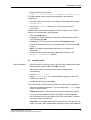
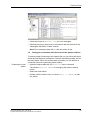
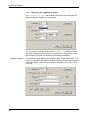
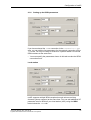
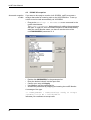
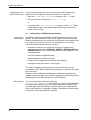
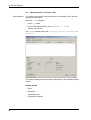
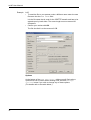
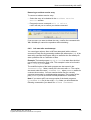
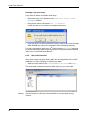
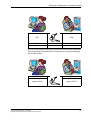
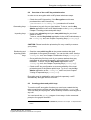
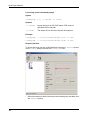
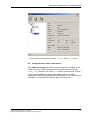
• Open the C:\rvs\init\rdmini.dat file. To do so click the
Monitor Parameters icon in the rvs folder.
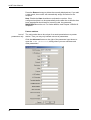
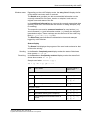
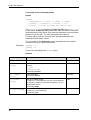
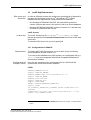
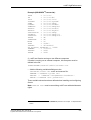
The file contains predefined operator commands rvsXP Monitor executes
each time it starts. Commands for modifying the monitor parameters
begin with setparm, comment lines with *.
• Edit the file in accordance with your requirements.
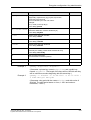
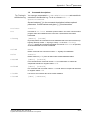
A complete list and description of all the monitor parameters can be
found in the Appendix "The rvs® parameters".
• Save the file and close the text editor.
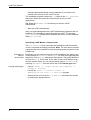
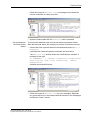
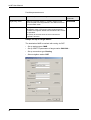
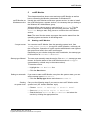
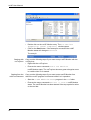
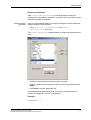
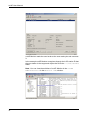
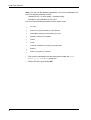
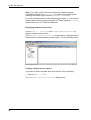
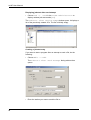
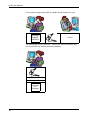
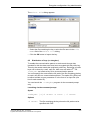
• Display the Monitor Log window in the Log
-> Monitor of the rvs tree in the rvsXP Administrator .
• Stop and start the rvsXP Monitor.
• Read the action messages: They begin with A:.
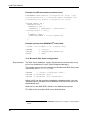
Each setparm command in the initialization file triggers a parameter
modification when the rvsXP Monitor is restarted.
Note: Statically modify only those parameters which are to permanently
differ from the rvsXP standard setting.
Example
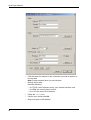
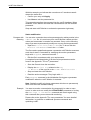
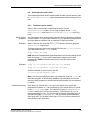
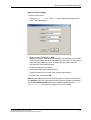
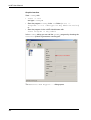
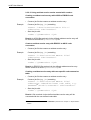
You want to monitor a transmission line temporarily in order to trace
errors. In order to do so, modify the LITRACELEVL parameter to 3 using
the Settings -> Parameter command and reset it again using
this command after you are done with monitoring.
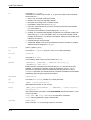
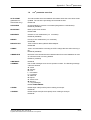
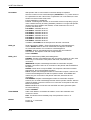
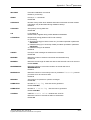
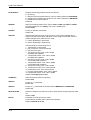
Please refer to the Appendix "The rvs® parameters" for more detailed
information, in particular on additional operator commands and
optimizing rvsXP.
64