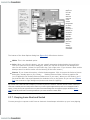
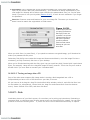
1
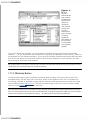
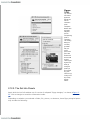
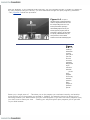
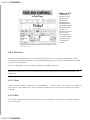
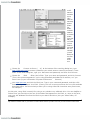
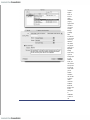
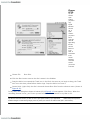
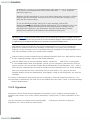
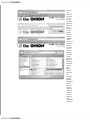
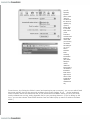
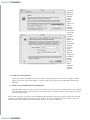
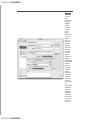
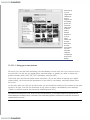
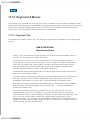
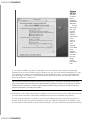
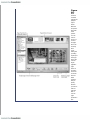
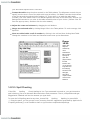
itself. In
addition,
the Mail
window has
a toolbar,
which you
can use to
access
other
features for
composing
and
sending
messages.
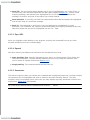
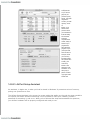
The
Signature
pop-up
menu
doesn't
exist until
you create
a signature
(Section
10.2.2),
and the
Account
pop-up
menu lets
you pick
which email
address
you'd like to
send the
message
from (if you
do, in fact,
have more
than one
email
address).
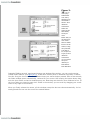
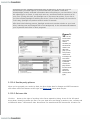
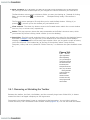
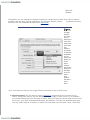
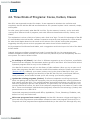
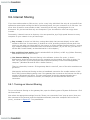
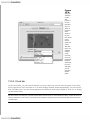
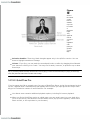
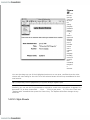
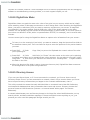
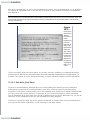
A blind carbon copy ("Bcc") lets you send a message to someone on the sly (none of the "To"
and "Cc" recipients will know that you sent the message to the "Bcc" recipients). If you're
sending a message from a different email address than usual, "Reply-to" lets you specify an
email address that your recipient should, well, reply to. And a message's Priority lets you tell
your recipients how urgent the message is.
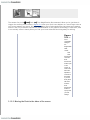
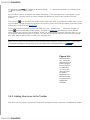
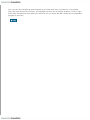
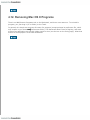
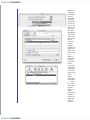
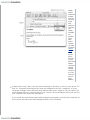
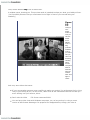
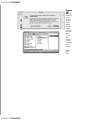
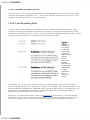
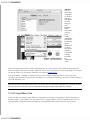
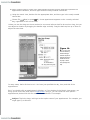
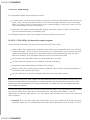
If you would find these fields helpful while composing a message, click the three-lined pop-up
menu on the left side of the New Message window. Click Customize.