1
6.6 Image preview
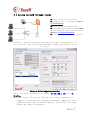
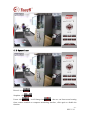
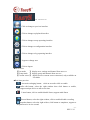
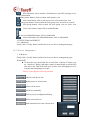
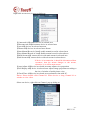
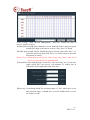
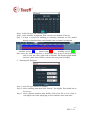
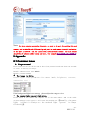
After device configuration, click “Preview” button to access main interface,
devices list displays as list tree, click “group” or “list” to exchange
information of group or list. Default viewing screen is 4-picutre, max support
16-picutre view.
1. Non-cycle preview
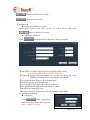
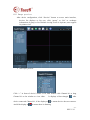
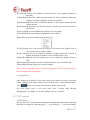
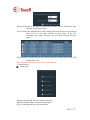
Click “+” in front of device’s name or IP, then double click Channel 01 or drag
Channel 01 to the window to view video.
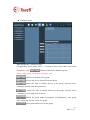
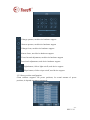
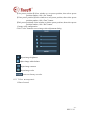
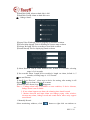
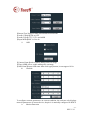
device connected Channel 01, if the display as
And if the display as
It displays a blue triangle
after
, it means device does not connect.
, it means there is alarming.
- 21 -
MH3E-E-A1