1
Using the Program
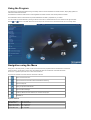
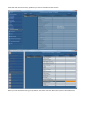
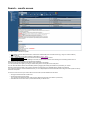
The sections from 'Collision Regulations' through to 'Safety' contain a mixture of Question and Answer sections, Step-by-Step guides and
instructional videos and documents.
The 'Reference' and 'Bonus Titles' sections contain legislative documents and other useful industry reference material.
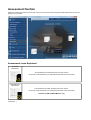
The 'Assessment' section contains advice and practice assessments to assist in preparation for your exams.
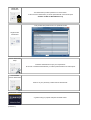
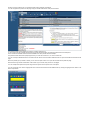
You can access any of these sections by clicking on the item in the menu on the left hand side or in the carousel on the right hand side.
Use the
and
buttons or the slider above the carousel to spin the carousel round to access items which are not currently visible.
Navigation using the Menu
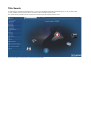
Simply click on the study section you wish to view and the carousel will be populated with the available items in that section.
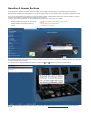
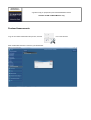
If there is a small + symbol next to a menu item, that indicates that there are sub-sections underneath that section.
Click on the + symbol to expand the menu to show the sub-sections.
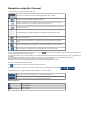
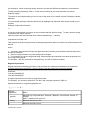
The menu also contains some useful shortcut commands. These are:
Return to the Home screen
Open the Search Screen with all sections selected for searching
Open this Help File
Open your personal bookmark list
Open the eBook catalogue
Close any eBooks, Q and A sections, etc. that are currently open
Exit MSE v6
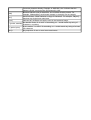
Keyboard Shortcuts
Previous Menu Item
Next Menu Item
Expand Sub-sections
Collapse Sub-sections
Activate Menu Item
Ctrl + Up Arrow
Ctrl + Down Arrow
Ctrl + Right Arrow
Ctrl + Left Arrow
Ctrl + Spacebar