1
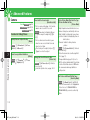
Video Call
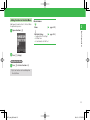
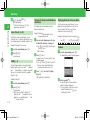
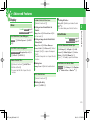
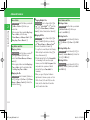
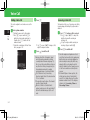
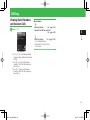
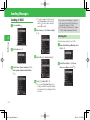
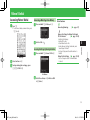
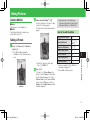
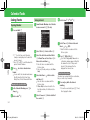
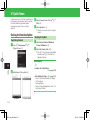
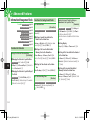
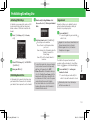
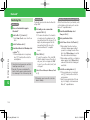
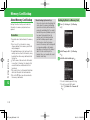
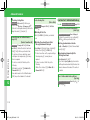
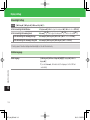
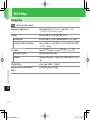
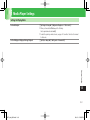
Making a Video Call
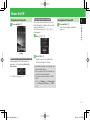
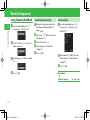
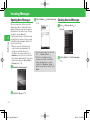
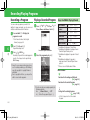
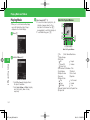
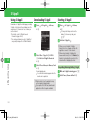
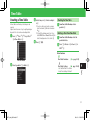
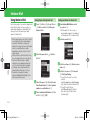
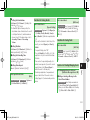
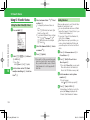
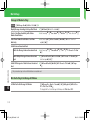
q Enter a phone number and press H
The other party answers your video call.
• When Self-view (page 13-23) is set to ON,
confirm your camera image to be
transferred to the other party, and then
press [ to make a call.
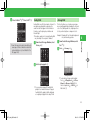
• Use G during a call to adjust the speaker
(earpiece) volume.
w Press O to end the call
• When Cost Limit is set and the limit is
reached, outgoing video calls are blocked. If
the limit is reached during a call, the call
ends.
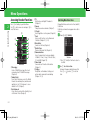
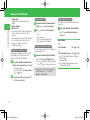
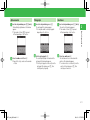
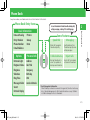
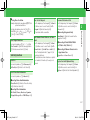
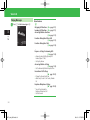
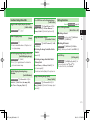
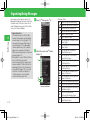
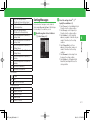
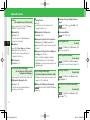
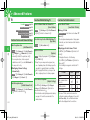
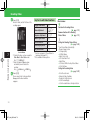
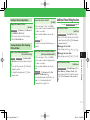
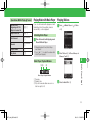
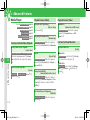
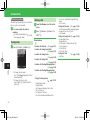
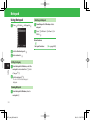
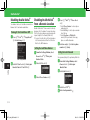
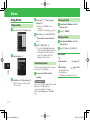
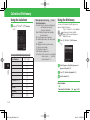
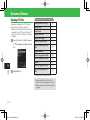
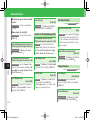
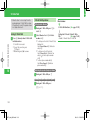
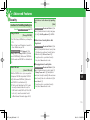
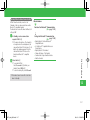
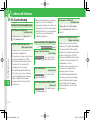
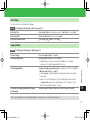
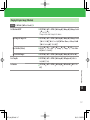
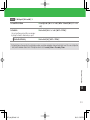
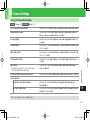
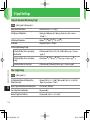
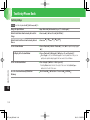
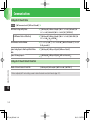
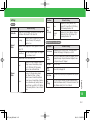
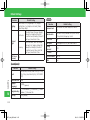
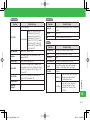
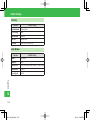
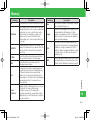
Video Call Icons
Video Call
Mute My Voice
Mute All
Faster Moving Mode
Standard Mode
Better Picture Mode
Handsfree ON
Handsfree (Bluetooth® connection)
Image Transfer OFF
Sending Picture
Voice Connection Established
Video Connection Established
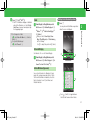
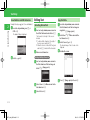
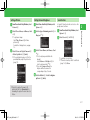
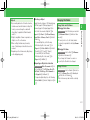
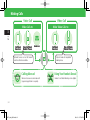
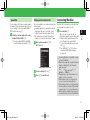
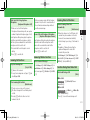
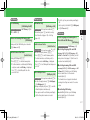
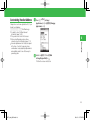
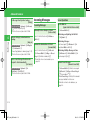
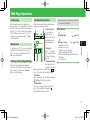
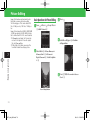
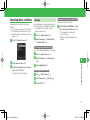
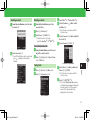
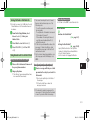
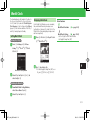
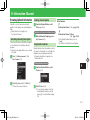
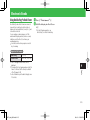
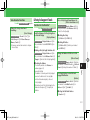
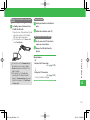
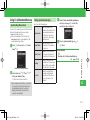
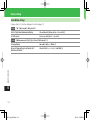
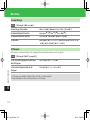
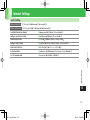
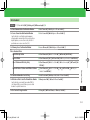
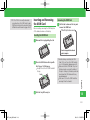
Answering a Video Call
The handset notifies you of incoming video calls
by incoming image, External Light, ringtone and/or
vibration.
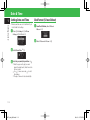
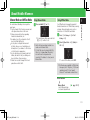
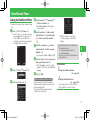
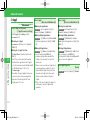
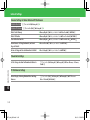
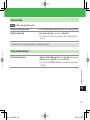
q Press N/H/[ when a video call is
received
A confirmation window appears. Select YES
and press [ to send out your live image.
• Press J ( ) while the handset is
ringing/vibrating to view yourself before
sending your live image.
3
Call
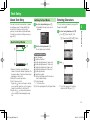
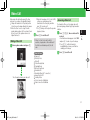
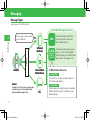
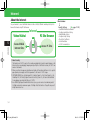
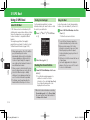
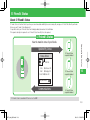
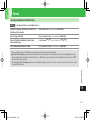
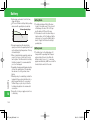
Make video calls with another party. The other
party must use a video call compatible handset.
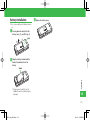
• Change the handset into Self-portrait position
to transfer your live image taken by the camera.
• When the other's voice is output from the
speaker during a video call, the volume is fixed
at level 3, even if the speaker volume is set
higher than level 3.
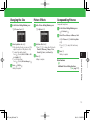
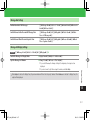
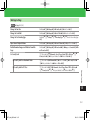
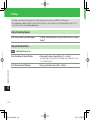
w Press O to end the call
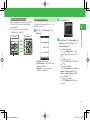
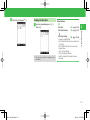
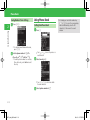
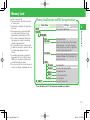
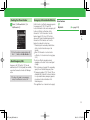
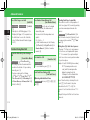
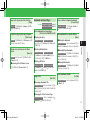
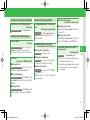
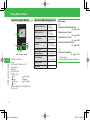
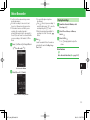
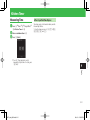
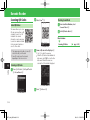
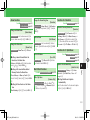
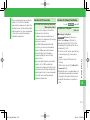
Video Call Window
3-7
921T_web_0802.indb 3-7
08.3.23 1:57:35 PM