1
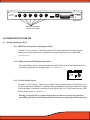
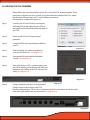
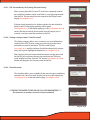
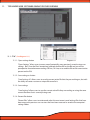
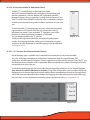
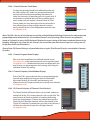
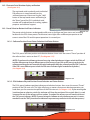
10.4.4 - "Set" Password button
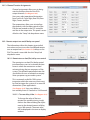
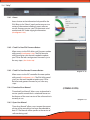
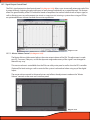
"Set" password is used for programming new passwords
into the PS8 and onto your PC. By pressing the "Set"
button (See diagram 10.26) after entering a password that
matches the existing password stored in the firmware of
the PS8 as well as your new desired password this feature
will program the new password on your PS8 and ontothe
PC currently in use as the active password of operation
for that individual PS8.
(Please note that after programming a password to your PC, if
you attempt to connect to another PS8 you will be required to
enter a password that is correct for the PS8 that you are connecting to. If you store another password for a different PS8 and
return to the original PS8 you will have to re-enter the password
as only one password is stored on your PC at a time.)
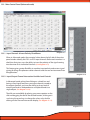
Diagram 10.26
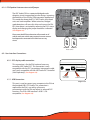
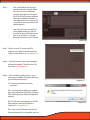
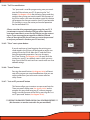
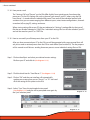
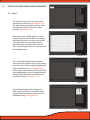
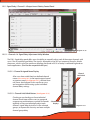
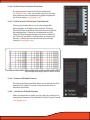
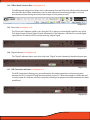
10.4.5 - "Clear" reset system button
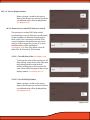
If you do not have or have forgotten the existing pass
word stored in the PS8 you will be forced to send a new
settings file to the PS8 to allow the PC and the PS8 to
have corresponding operation. You may also press
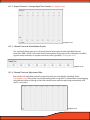
the "Clear" button (See diagram 10.27) to reset all of the
settings on your PC to a default state in which you may
then sync to the PS8 and start from scratch with new user
defined settings.
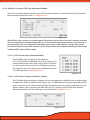
Diagram 10.27
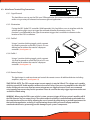
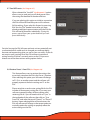
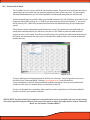
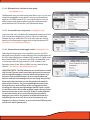
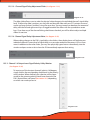
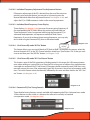
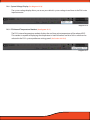
10.4.6 - "Cancel" button
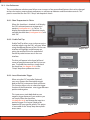
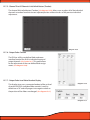
Pressing the cancel button (See diagram 10.28) will terminate all in progress password modifications that you are
making and return you to the main screen software
utility screen
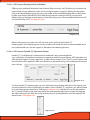
Diagram 10.28
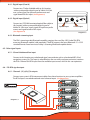
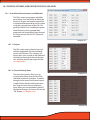
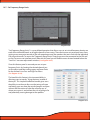
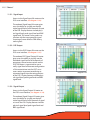
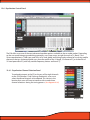
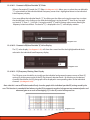
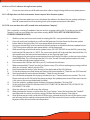
10.4.7 - "Just set PC password" button
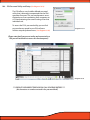
This feature allows you to enter a new password into the
"New password" display area (See Section 10.5.2) and to
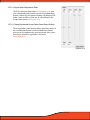
program this password onto your PC without programming it into the firmware of the PS8 by pressing the "Just
set PC password" button (See diagram 10.29).
****DEFAULT PASSWORD STORED ON PS8 IS ALL SPACEBAR ENTRIES****
(No characters or numbers entered in the password field)
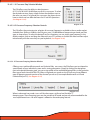
Diagram 10.29