1
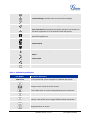
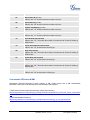
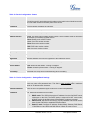
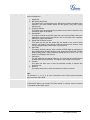
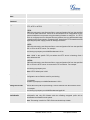
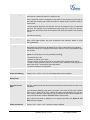
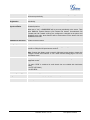
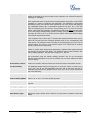
Voice Mail: ON when there are new voice messages
Instant Message: ON when there are new instant messages
Network Status: Network is down
Missed Call Icon: Indicates missed call(s)
Save Call Record: Indicates phone system writing the call records into
the flash. It might take 10 to 20 seconds to finish the process
Waiting For Response: Please wait for the phone system to response
before the keypad entry.
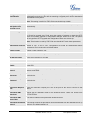
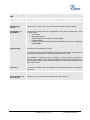
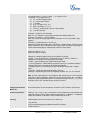
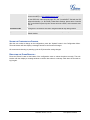
Handset Mode
Speaker Mode
Headset Mode
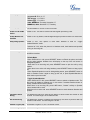
SRTP: SRTP is used during the call
MUTE
Call On Hold
Call Active
Conference Call
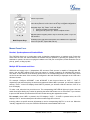
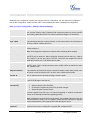
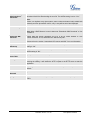
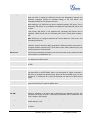
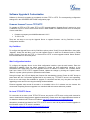
Table 9: GXP2124 Keypad Buttons
Key Button
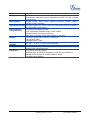
Key Button Definitions
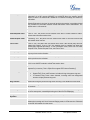
LINE KEYS
Line keys with LED, can be configured to 4 different SIP profiles
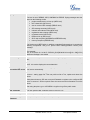
SEND/REDIAL; Enable/Disable handset mode
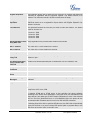
Transfer an ACTIVE call to another number
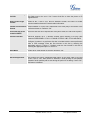
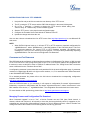
Press CONF button to connect Calling/Called party into conference
Mute an active call
Press HEADSET key to answer/hang up phone calls while using
headset. It also allows user to toggle between headset and speaker
Enter to retrieve voice mails
Brings phonebook on screen
Grandstream Networks, Inc.
GXP2124 User Manual
Firmware version: 1.0.3.19
Page 10 of 46
Last Updated: 02/2012