1
Wi-Fi GO! & NFC Remote (App for smart devices)
Using Wi-Fi GO! & NFC Remote
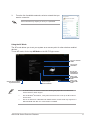
To use the Wi-Fi GO! & NFC Remote:
1.
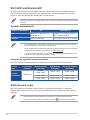
Connect your smart device to the same Wi-Fi network as your computer or log in on
your computer and smart devices using the same ASUS account to fully utilize the WiFi GO! functions across different networks.
2.
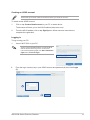
On your smart device, tap
3.
From the list of scanned PCs, tap the computer that you want to connect with your smart
device.
Wi-Fi GO!
& NFC Remote
then tap Enter.
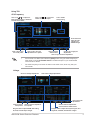
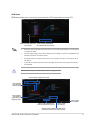
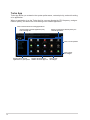
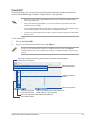
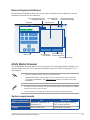
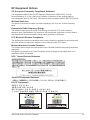
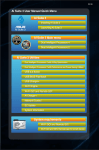
Wi-Fi GO! & NFC Remote interface main page
Cloud GO!
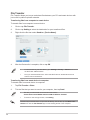
File Transfer
Remote Desktop
Remote Keyboard & Mouse
The screenshots are for reference only and vary with the type of smart device.
ASUS X99 Series Exclusive Features
21