1
P13
Using the
Using the FM Radio
iKN95
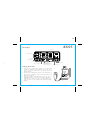
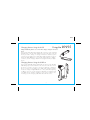
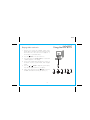
1. Press and release the Mode Button as needed until the FM indicator icon and
current FM radio frequency appear on the display.
2. Press the – or + Buttons to tune the radio to the desired station (hold to scan for the next clear
station). Connect and extend the included FM antenna for best reception.
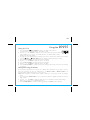
3. Press the
or
Buttons to adjust the volume on the unit.
4. When you are through listening, press the Button to turn the unit off.
Setting and Using FM Presets
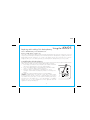
The unit allows you to store up to 6 FM radio station presets
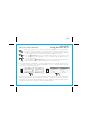
1. Press and release the Mode Button as needed until the FM indicator icon
appears on the display.
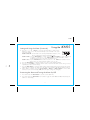
2. Press and release the
Presets Button as needed until the preset number (P1P6) you wish to set is displayed, then press and hold the
Presets Button to
enter setting mode. A confirmation beep will sound.
3. Press the – or + Buttons to tune the radio to the desired station (hold to scan
for the next clear station).
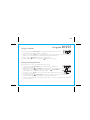
4. Press and release the
Presets Button. 2 beeps will sound to confirm the preset has been
assigned. Repeat steps 2 - 4 until you have set up to 6 preset stations.
5. To listen to a preset FM station at any time, follow steps 1 - 2 to turn on FM radio mode and cycle
to the desired preset.
after 3 sec
12